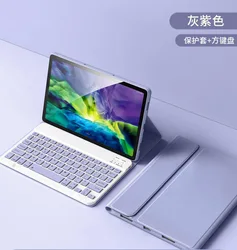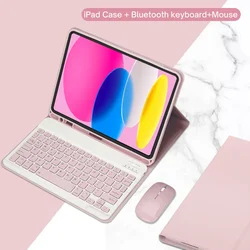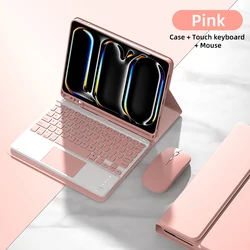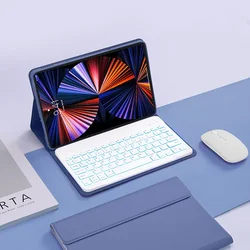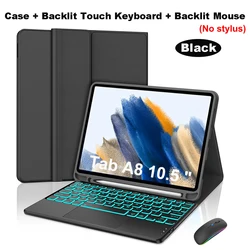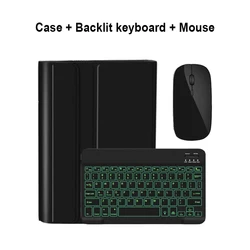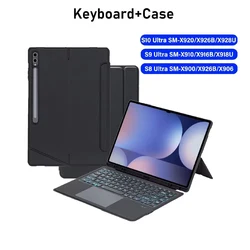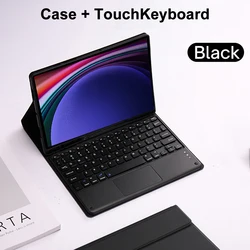
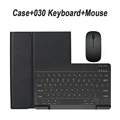
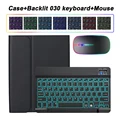
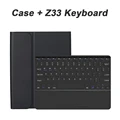
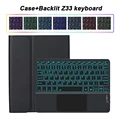
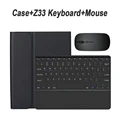
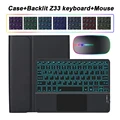
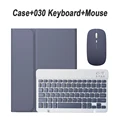
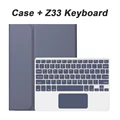
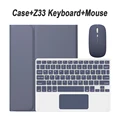
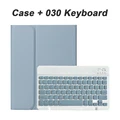
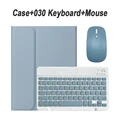
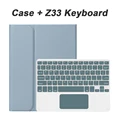
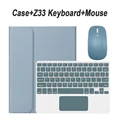
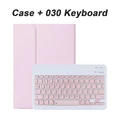
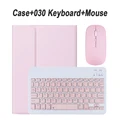
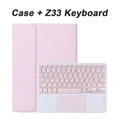
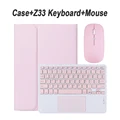
Product Overview:
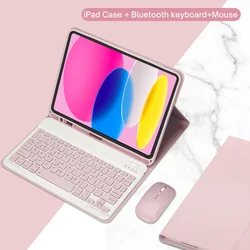
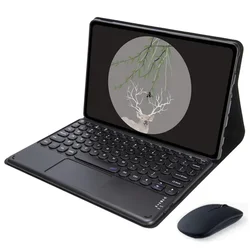
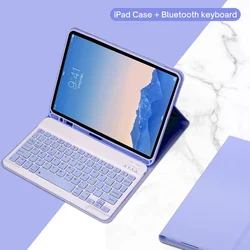
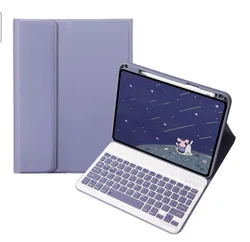
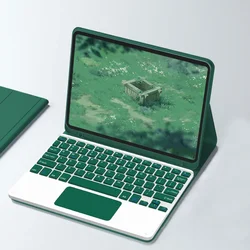
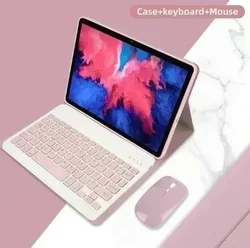
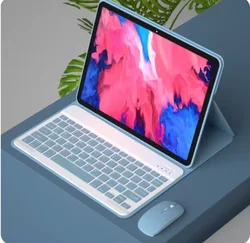
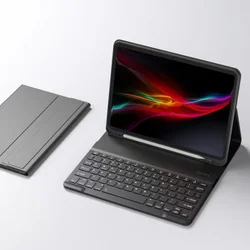
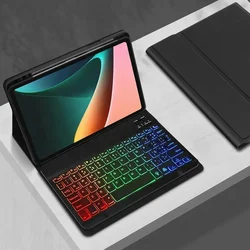
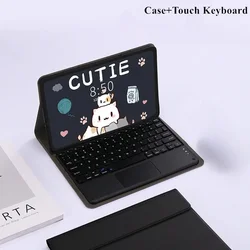
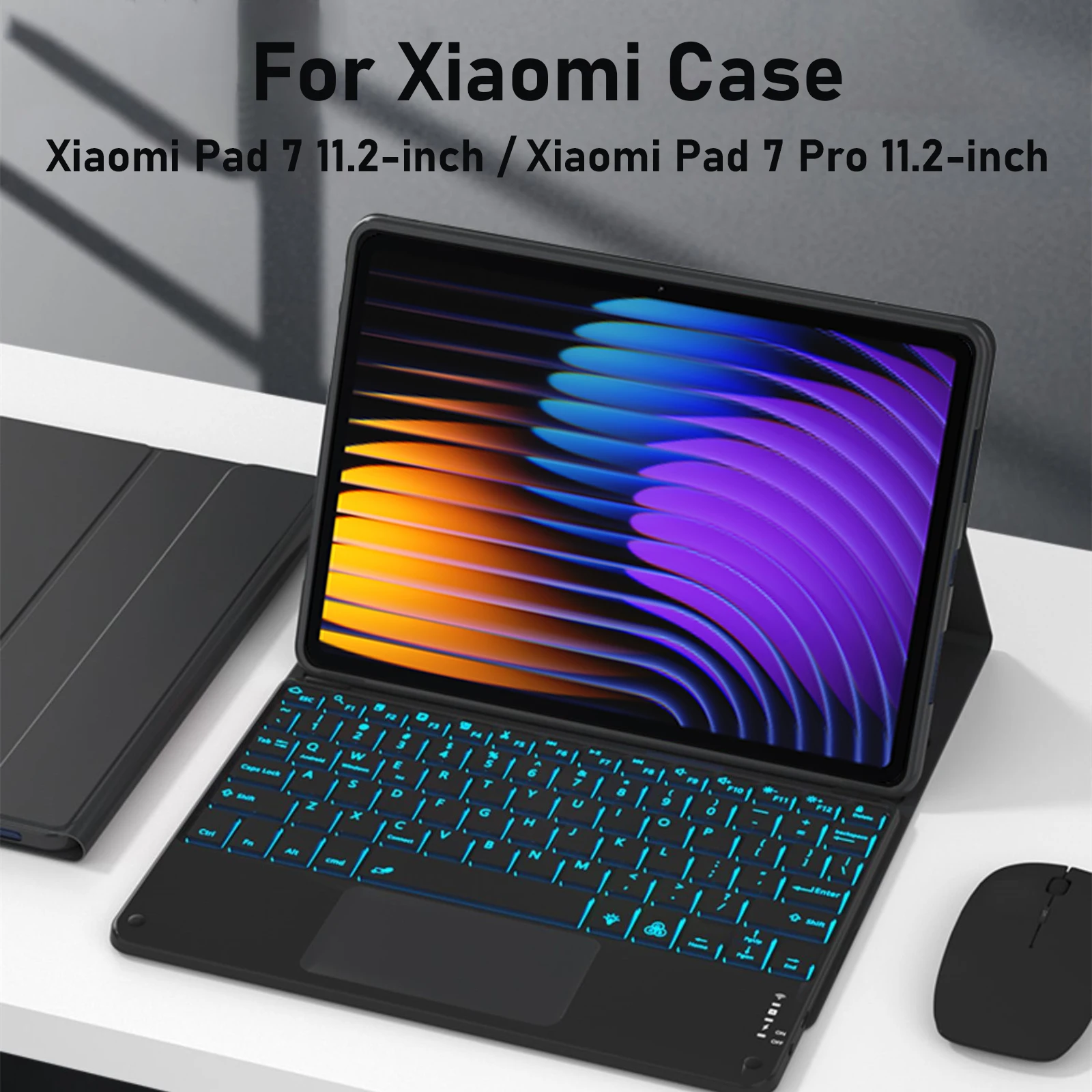
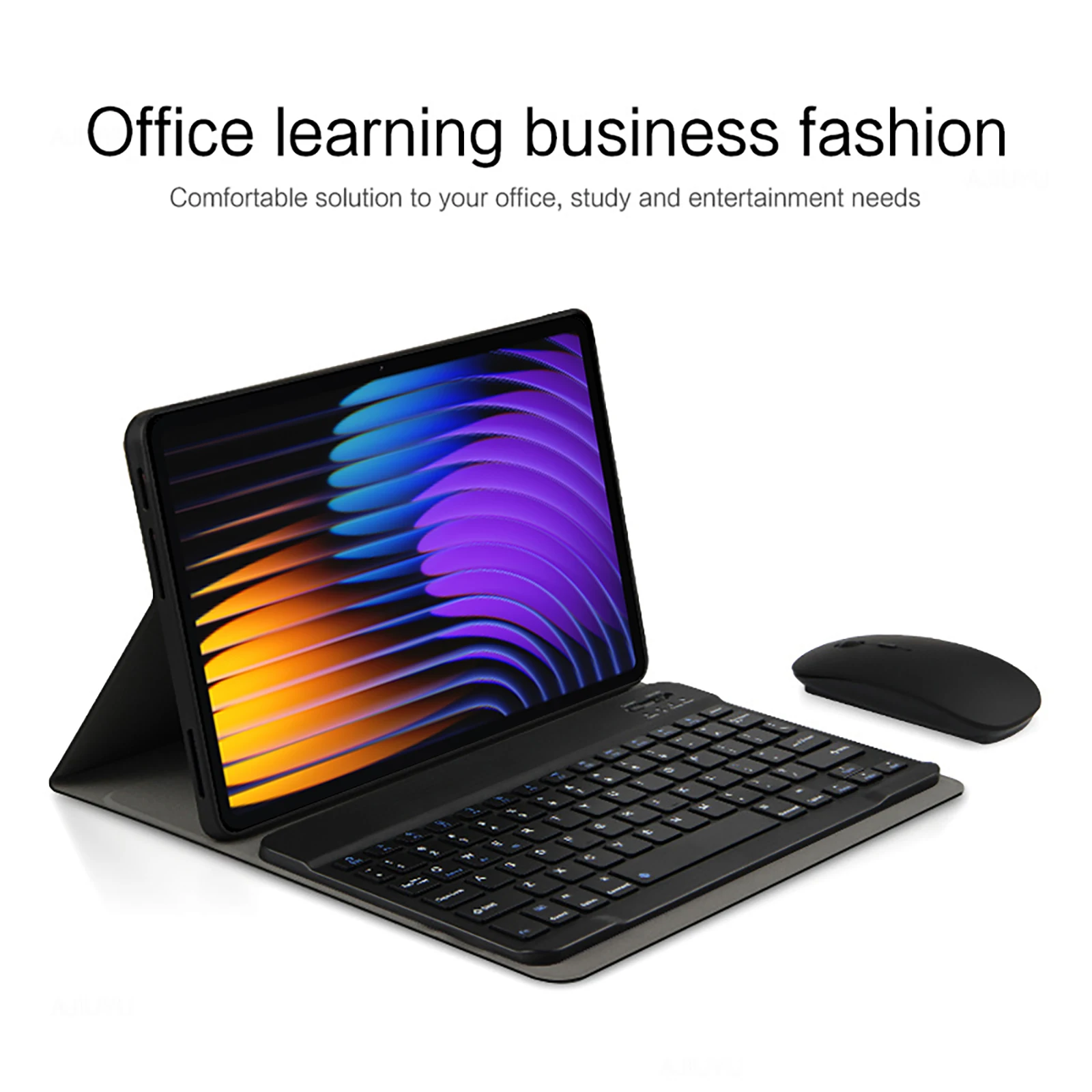
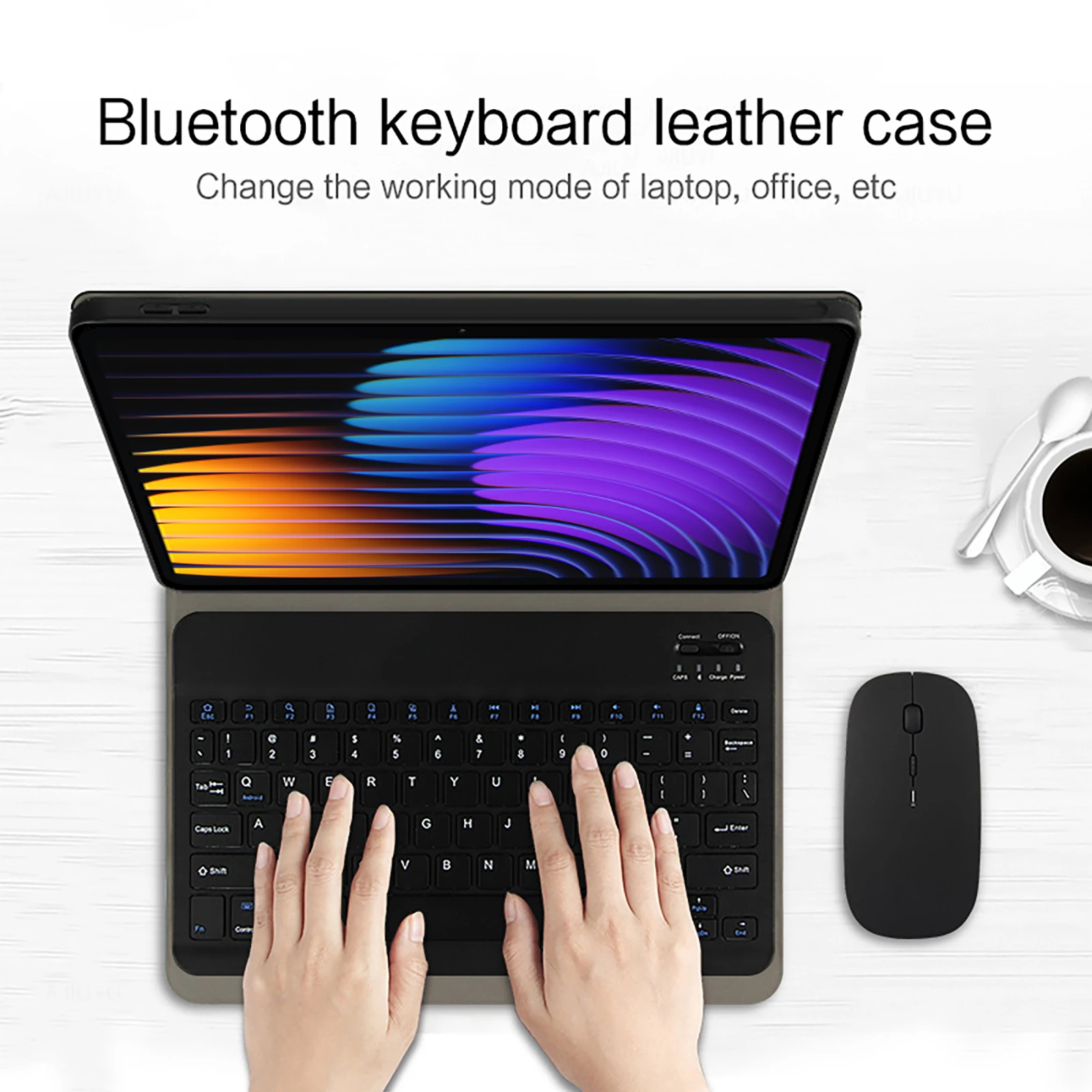
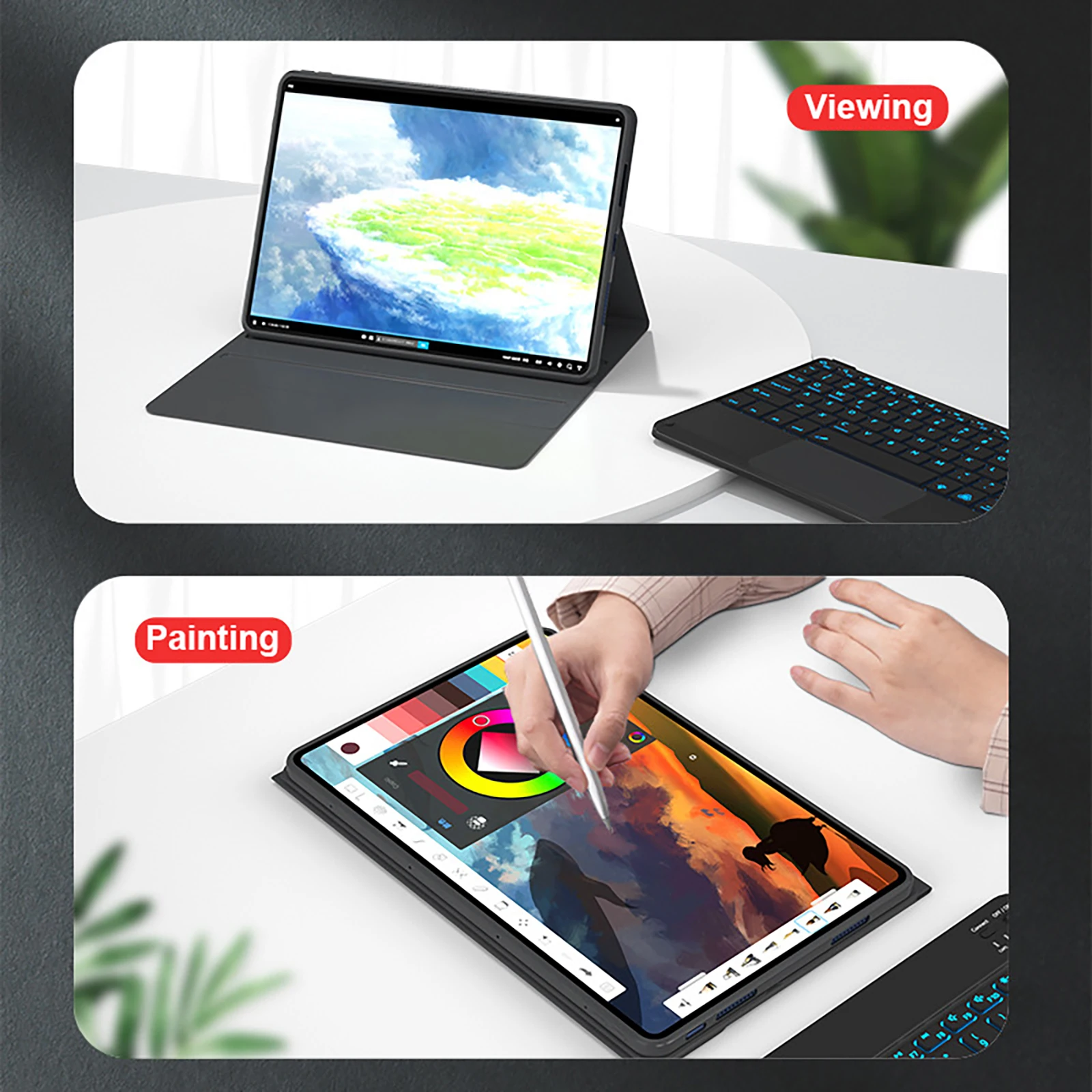
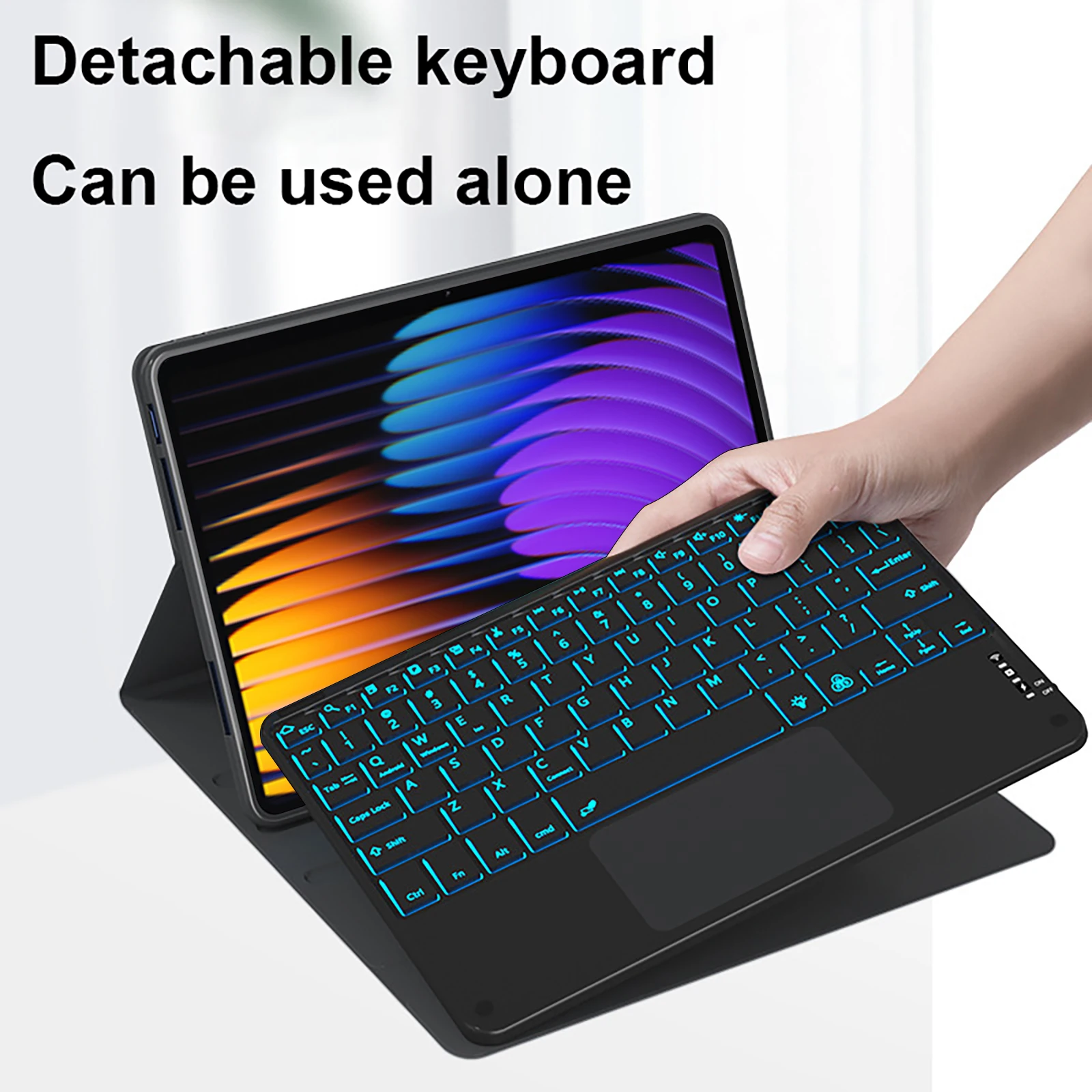
🛡️ Introducing the exceptional case and keyboard cover designed specifically for the Xiaomi Pad 7 11.2-inch and Xiaomi Pad 7 Pro 11.2-inch. This expertly crafted accessory not only provides robust protection for your tablet but also enhances its functionality with a user-friendly keyboard that caters to your typing needs.
Compatibility:
🎯 This case and keyboard cover is tailored exclusively for the Xiaomi Pad 7 11.2-inch and Xiaomi Pad 7 Pro 11.2-inch models. Ensure compatibility before making your purchase for an optimal fit and functionality.
Keyboard Layout:
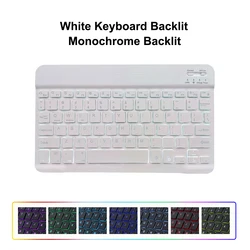
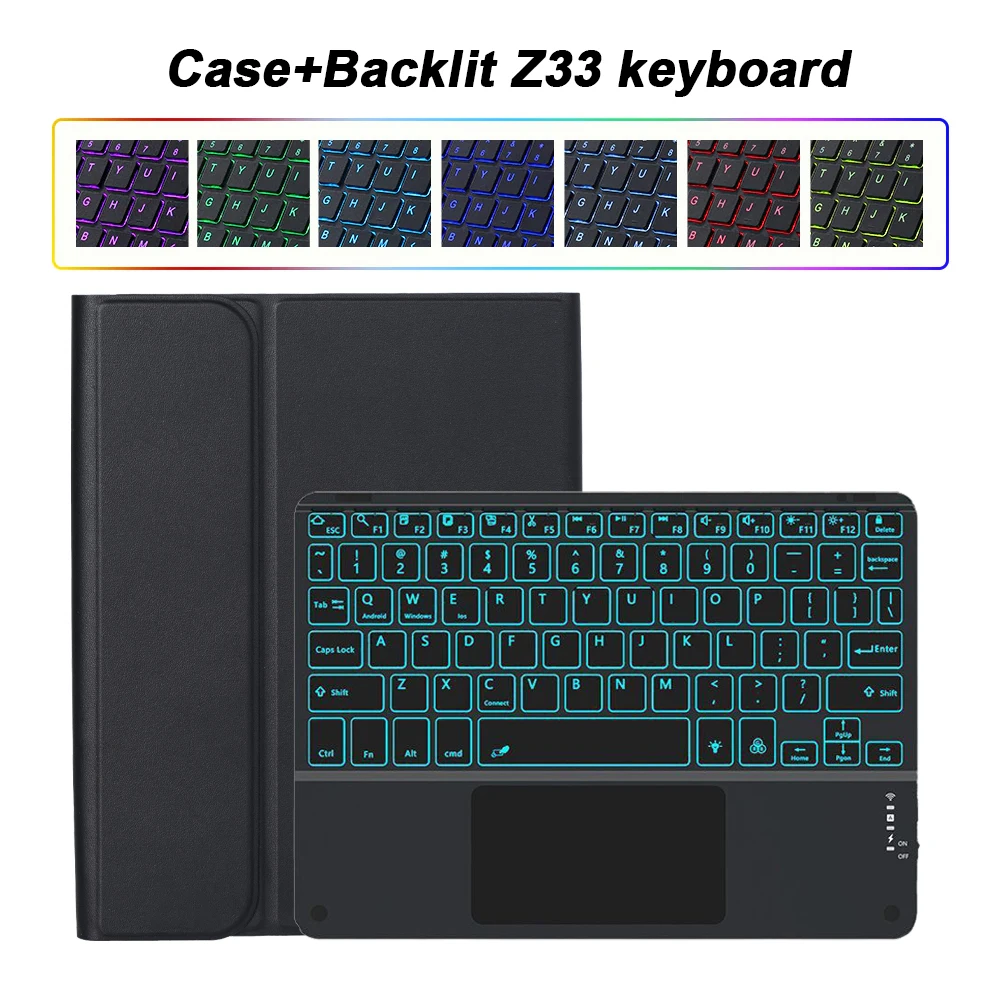
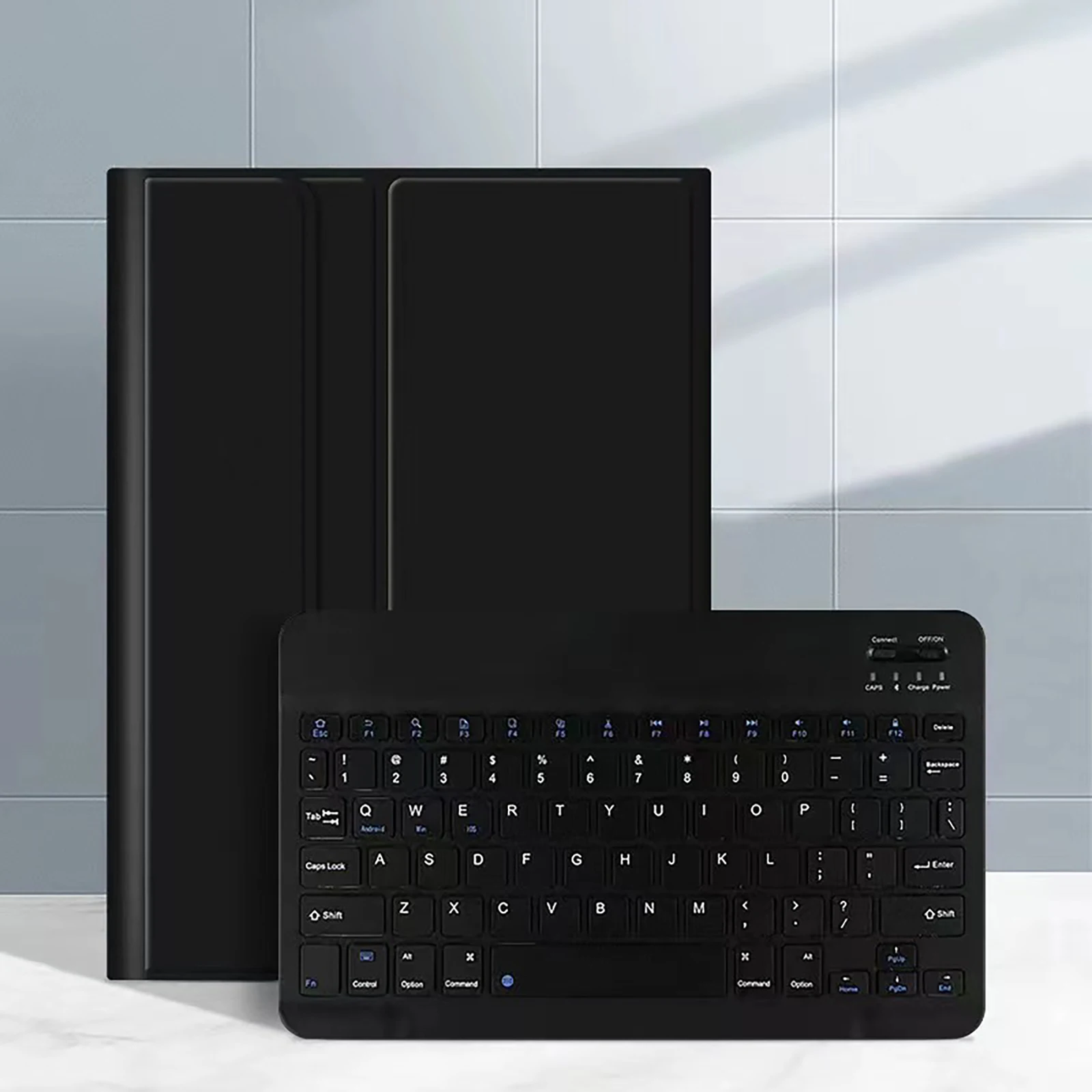
💍 Equip yourself with a reliable keyboard featuring an English letter layout for effortless typing. If you require other language options, the keyboard is designed to accommodate additional layouts alongside the English letters, providing versatility for multilingual users.
Connecting Your Devices:
🧰 Setting up your keyboard and mouse is a breeze with straightforward instructions:
🔵 Frequently Asked Questions:
🧩 We've compiled essential FAQs to assist you with the functionality:
🔘 Q: What should I do if I'm connecting the mouse for the first time?
A: For the initial connection, hold down the left button, right button, and scroll wheel simultaneously for 3-5 seconds.
🔵 Q: Are the scroll directions different for USB and Bluetooth connections?
A: Yes, they differ; USB connection mimics a standard mouse, while Bluetooth has the opposite scroll direction.
Q: How can I switch between different operating systems?
A: Use Fn + Q for Android, Fn + W for Windows, and Fn + E for iOS. Ensure to switch before connecting the tablet.
🧩 Q: Why do the Bluetooth keyboard letters appear scrambled?
A: Check your settings; ensure the device language is set to English, disconnect and reconnect the keyboard, and select the desired system layout using the relevant function keys.
🧰 Q: How do I configure the input method for different language keyboards?
A: Navigate to Settings -> System -> Language & Input on your device to add new keyboards as needed.
🧰 Q: How can I change the scrolling direction for the mouse?
A: After connecting the mouse, go to General -> Trackpad & Mouse settings and disable "Natural Scrolling."
🛡️ This comprehensive case and keyboard cover ensures that your Xiaomi tablet not only enjoys excellent protection but also elevates your productivity and connectivity.
If this item arrives after the delivery date given at checkout, you will be emailed a C$10.00 credit voucher to use on your next order