



Phone Cases
Chargers and Cables
Gaming
Gadgets
Tablet and iPad Cases
Your Account
Language
Business
Phone Data
Contact Us
4.0 Google Shopping Rating Over 2 million customers since 2013 C$4.99 Worldwide Delivery Free delivery order over C$20+

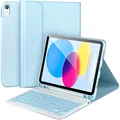
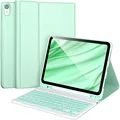
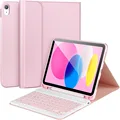
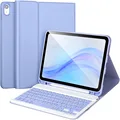
Sleek Keyboard Case with Cover - Italian (Blue 3)

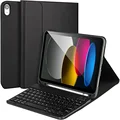
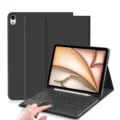
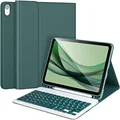
Sleek Keyboard Case with Cover

Elevate Your iPad Experience

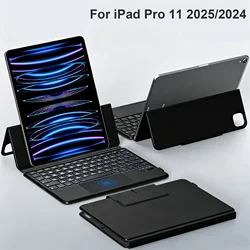
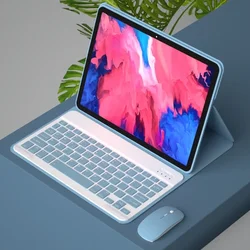
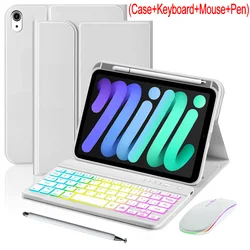
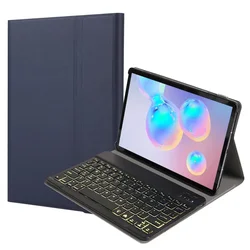
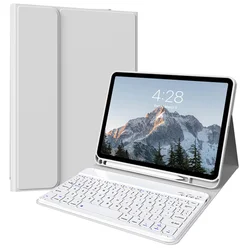
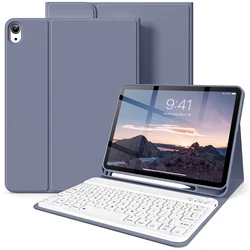
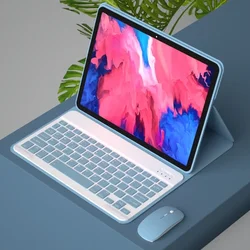
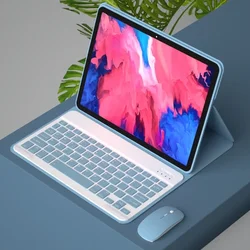
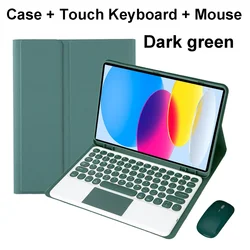
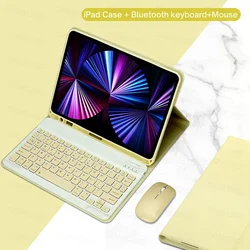
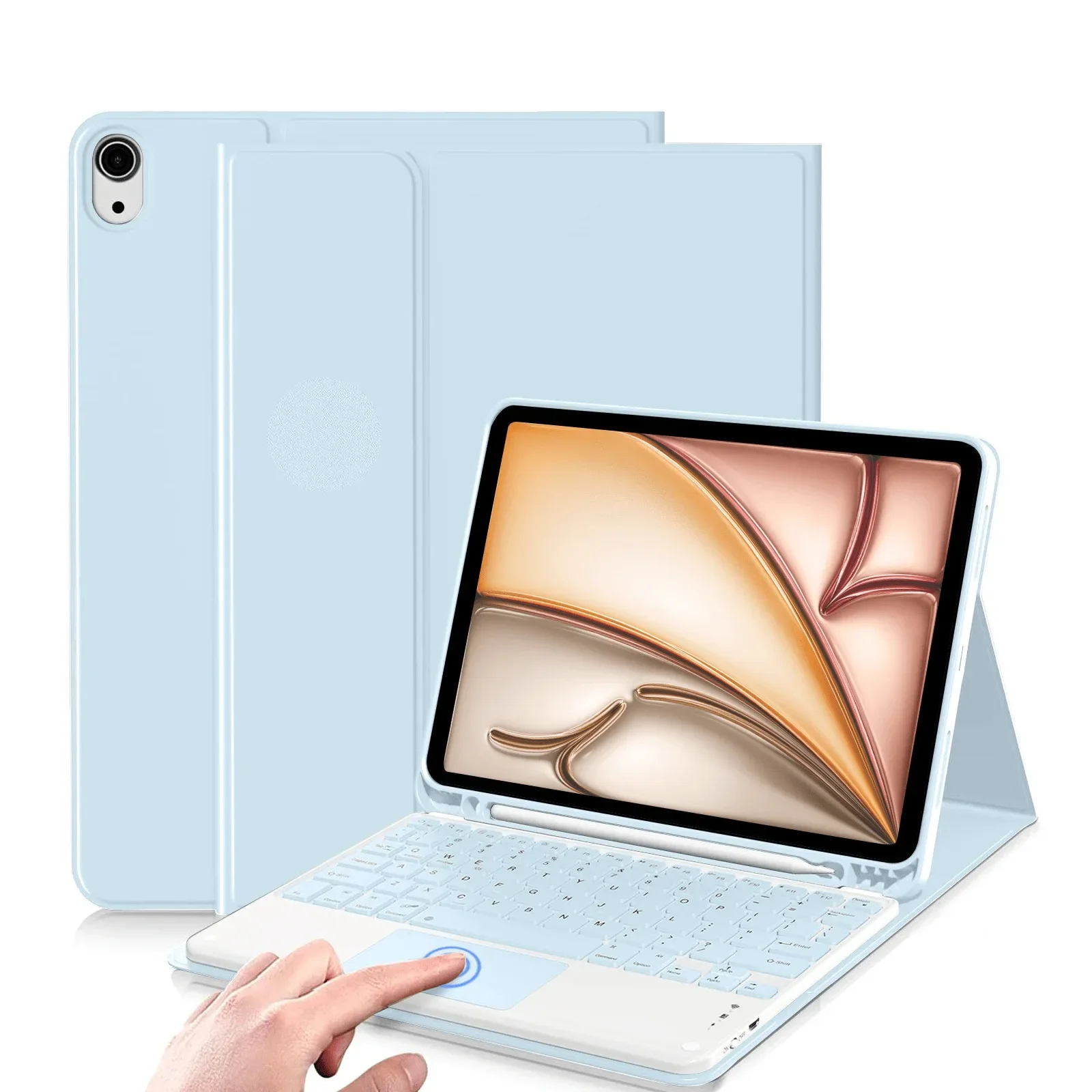
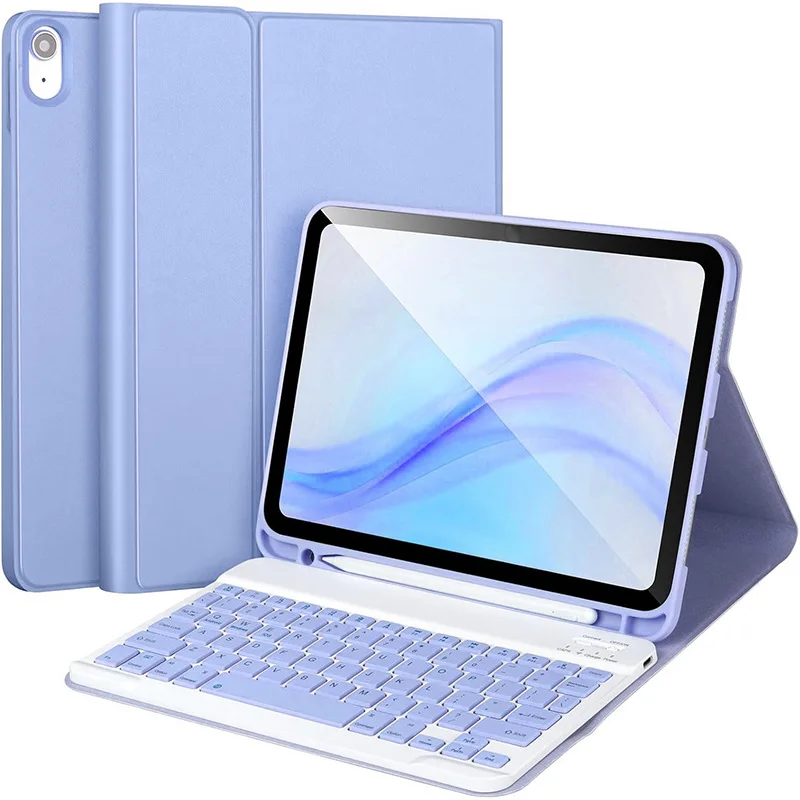
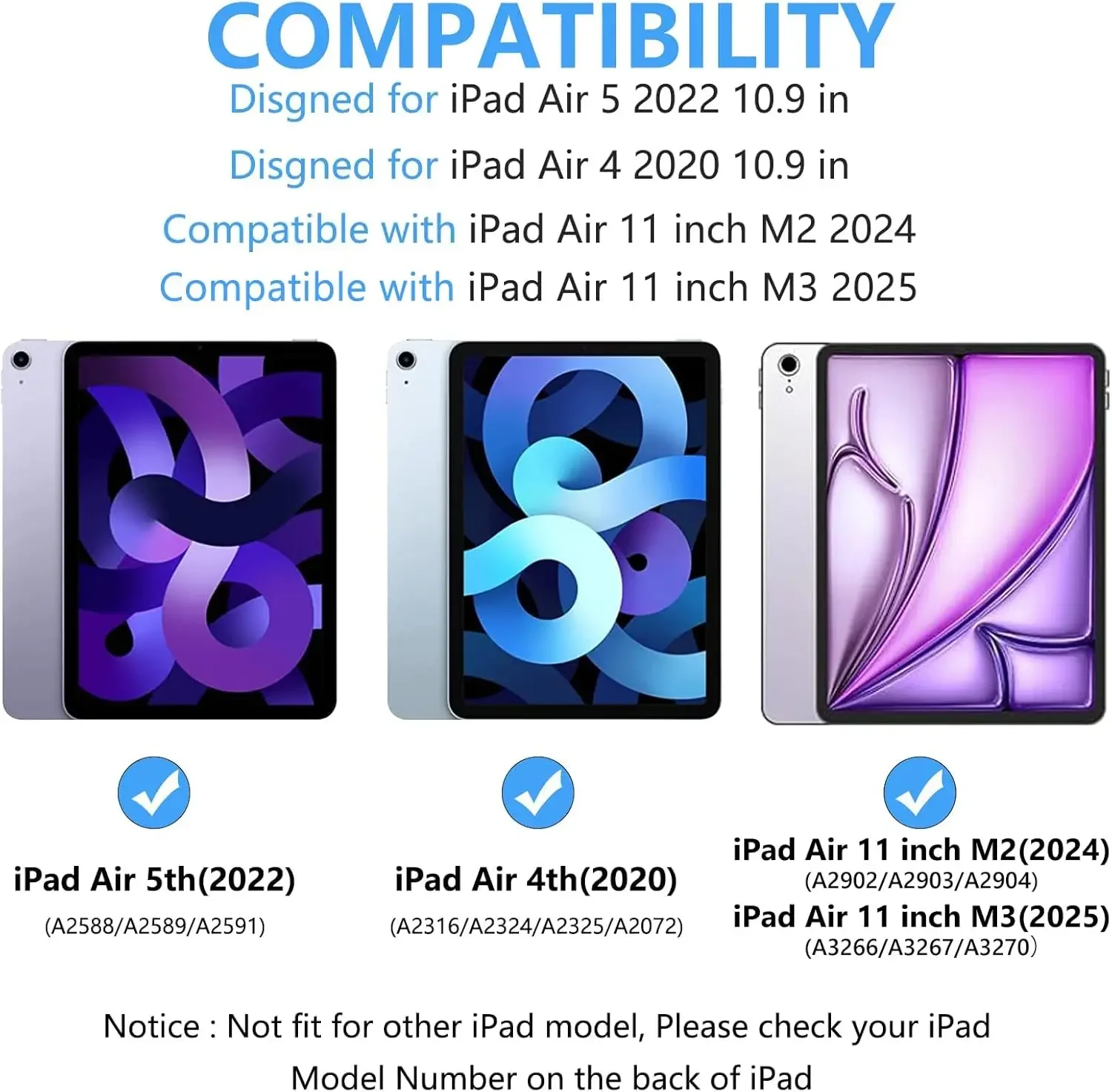
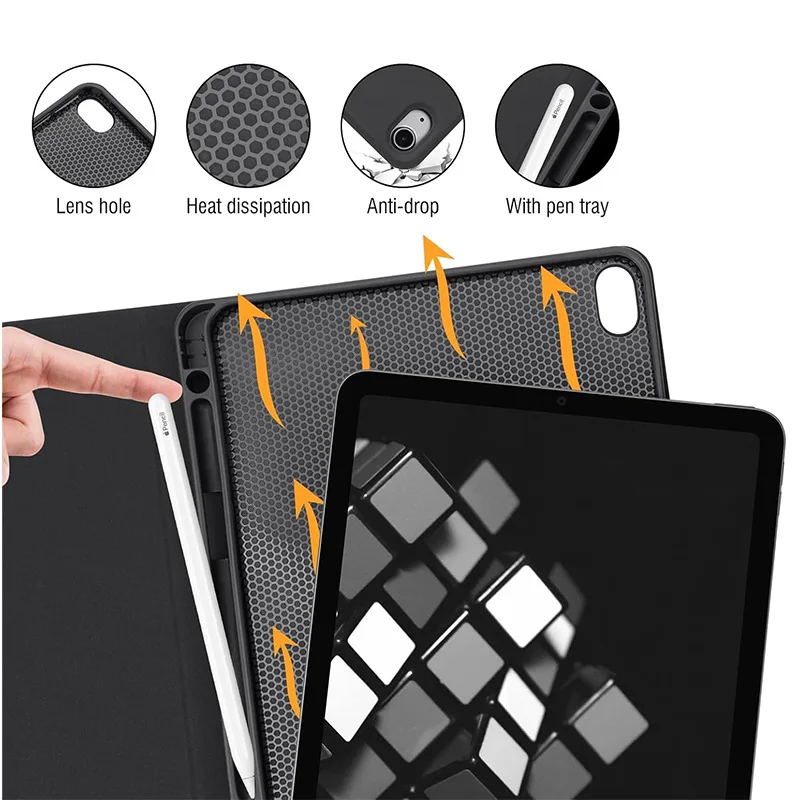
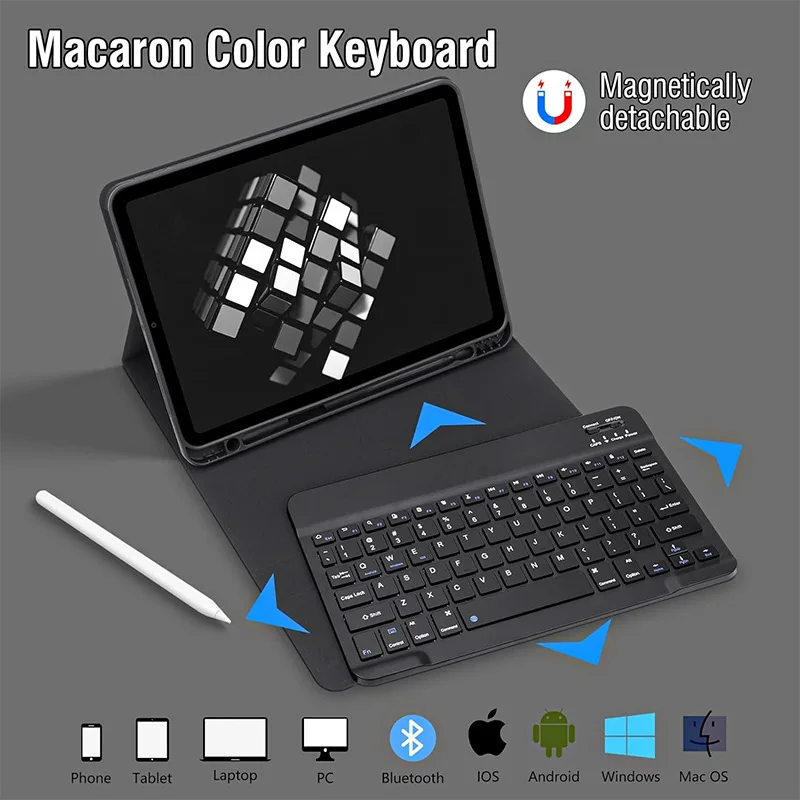
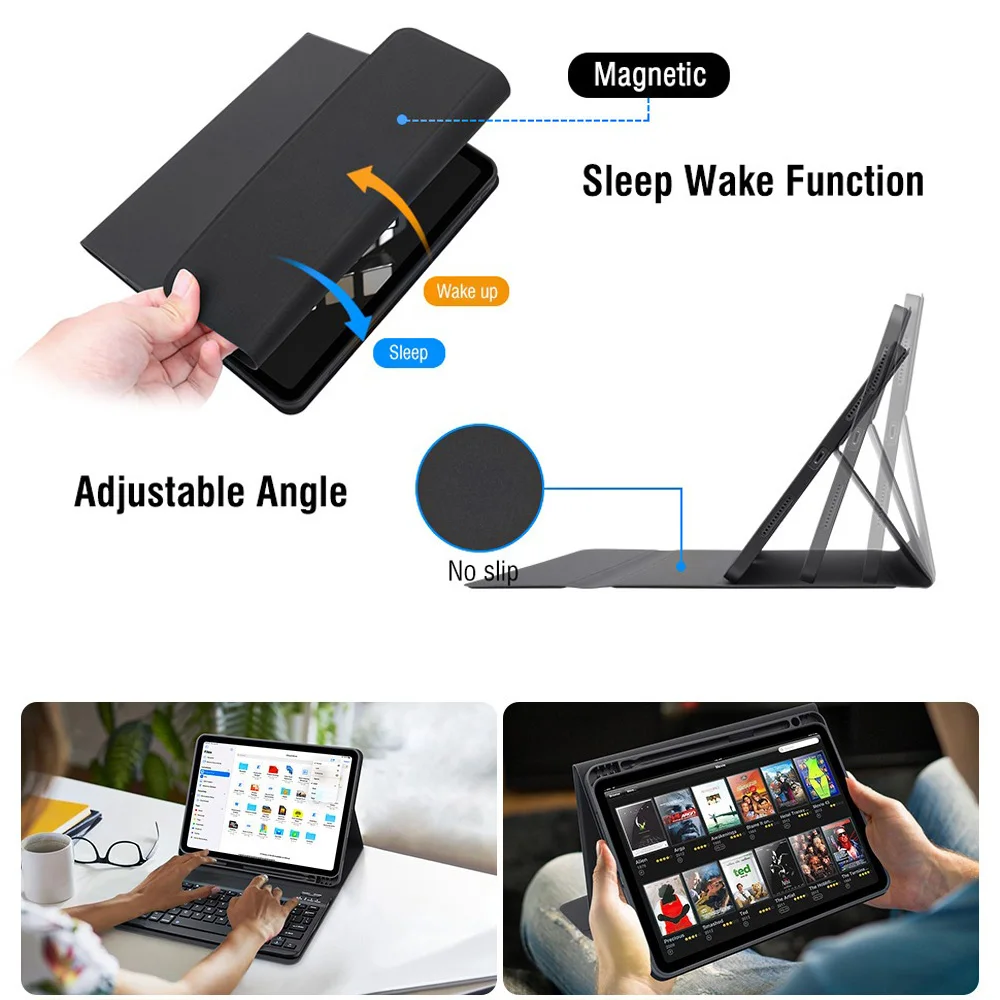
✨ Introducing an exceptional tablet case designed for the iPad Air 11-inch M2 (2024) and M3 (2025), as well as the iPad Air 5 (2022) and iPad Air 4th Generation (2020), boasting features that enhance both protection and functionality. This stylish case includes a versatile keyboard cover that transforms your tablet into a powerful productivity device, perfect for work, school, or leisure. The tactile keyboard provides a comfortable typing experience, enabling you to draft emails, write reports, or engage in creative projects effortlessly.

Compatibility Alert

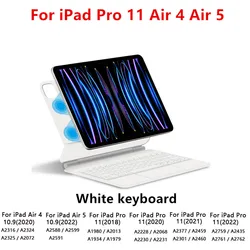
🎯 To ensure the perfect fit for your device, we recommend verifying your iPad model. This protective case is specifically tailored for the following models:

  • iPad Air 4th Generation (10.9-inch): A2072/A2316/A2324/A2325
  • iPad Air 5th Generation (10.9-inch): A2588/A2589/A2591
  • iPad Air 11-inch (M2) 2024: A2902/A2903/A2904
  • iPad Air 11-inch (M3) 2025: A3266/A3267/A3270

πŸ“Ž Note: The tablet and stylus are not included with the case. For accurate color representation and product details, please refer to the actual product image.

Effortless Keyboard Connection

Connecting the keyboard to your tablet is a breeze:

  1. For the Keyboard: Simply slide the switch located in the upper right corner to "ON," then press "Connect." Look for "Keyboard" in your device's Bluetooth list to establish the connection.
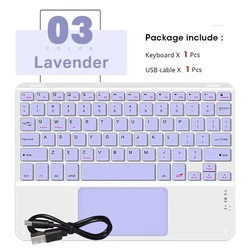
  2. For the Touchpad Keyboard: Open the keyboard, press Fn + C, and locate "Keyboard" in your Bluetooth list to connect seamlessly.

πŸ”΅ Switching Between Operating Systems

For convenience, you can easily toggle between different systems. Use the following key combinations before connecting your tablet:

  • Fn + Q for Android
  • Fn + W for Windows
  • Fn + E for iOS

πŸ”΅ If your Bluetooth keyboard inputs appear jumbled, follow these steps:

  1. Ensure your device's keyboard language is set to English.
  2. Disconnect the Bluetooth keyboard. Click "Ignore" on the connected device list, then reconnect by selecting the appropriate system using Fn + E (iOS).
  3. Reset the keyboard by pressing L, S, and Z simultaneously.

🧩 Customizing Your Keyboard Language Settings

🧰 To configure the input method for various languages, follow the device-specific instructionsβ€” for instance, on a Samsung tablet, go to "Settings β†’ System β†’ Language & Input β†’ Add New Keyboard." For other systems, adjust the settings in accordance with your device's guidelines.

πŸ”— This iPad Air case with keyboard cover is not just a protective accessory but a comprehensive solution for enhancing productivity and creativity on the go. Upgrade your device today!

C$63.99 In Stock
Quantity:
Colour: Blue 3 Size: Italian
Compatible with Italian

FREE DELIVERY
Delivery Tuesday, 13th October - Thursday, 15th October

C$10.00 On time delivery guarantee

If this item arrives after the delivery date given at checkout, you will be emailed a C$10.00 credit voucher to use on your next order
Why choose SDTEK?
Over 2 million customers since 2013
4.0 Google Shopping Rating
Great Trustpilot Rating
Fast delivery worldwide
14 Day, easy returns
24 Hour customer services
Buying for your business?
Bulk discounts available on this product
See our quantity discounts and business pricing

Other cases for Italian

View all Italian cases >>