Phone Cases
Chargers and Cables
Gaming
Gadgets
Tablet and iPad Cases
Your Account
Language
Business
Phone Data
Contact Us
4.0 Google Shopping Rating Over 2 million customers since 2013 C$3.99 Worldwide Delivery Free delivery order over C$40+

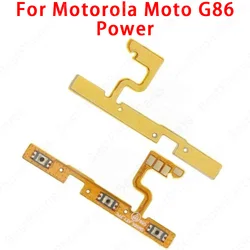
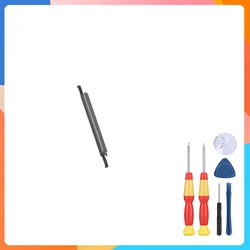
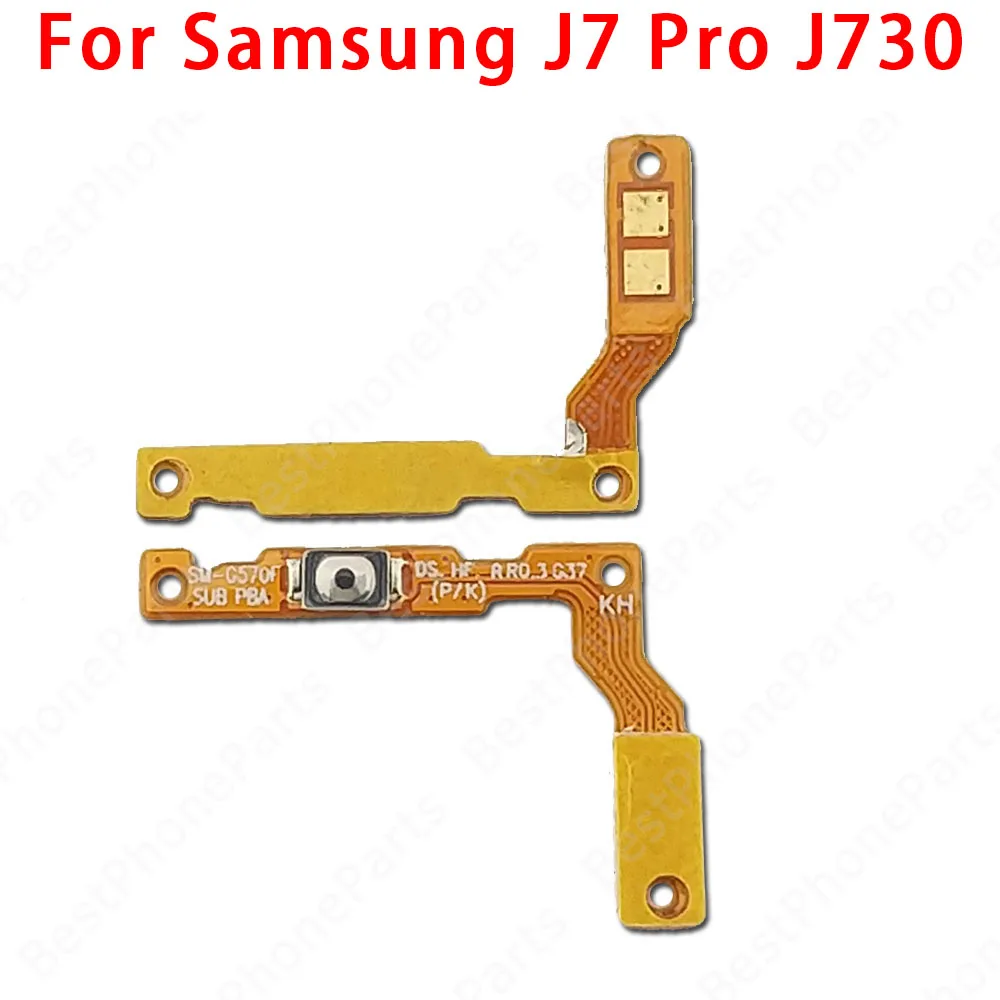
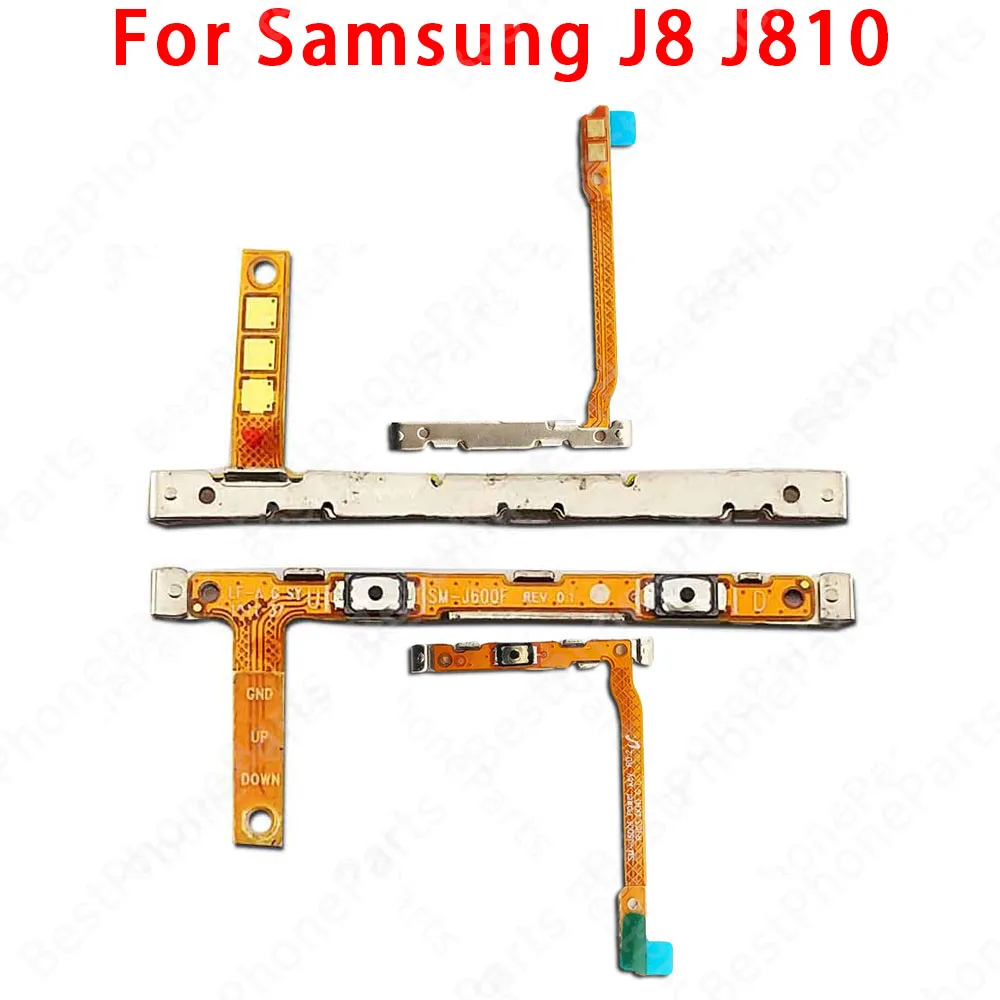
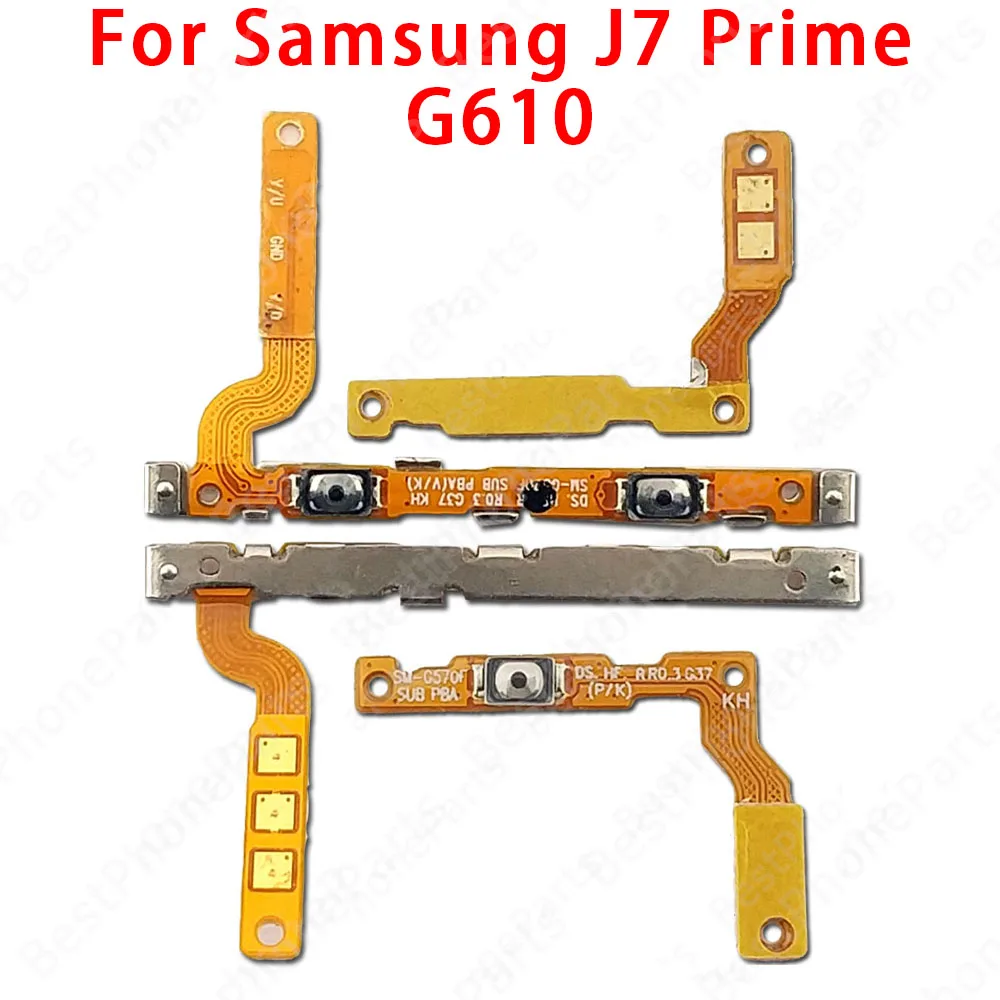
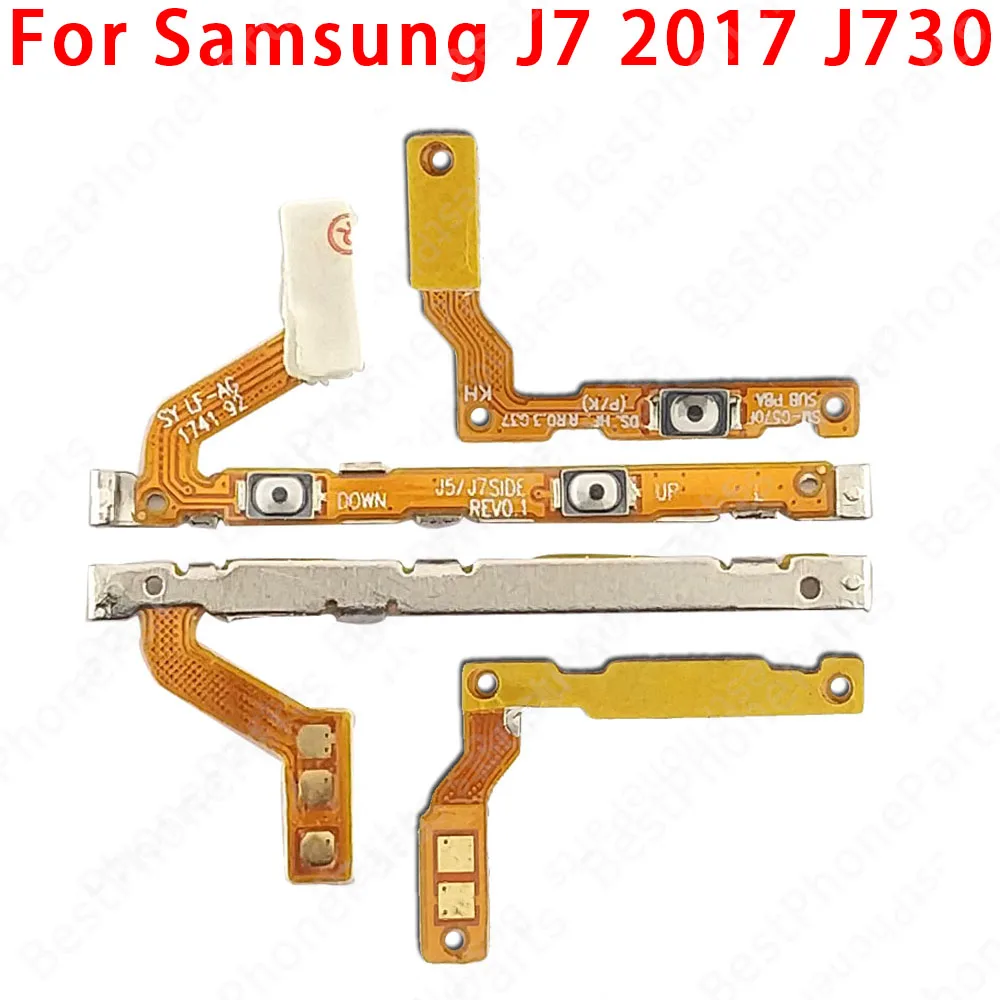
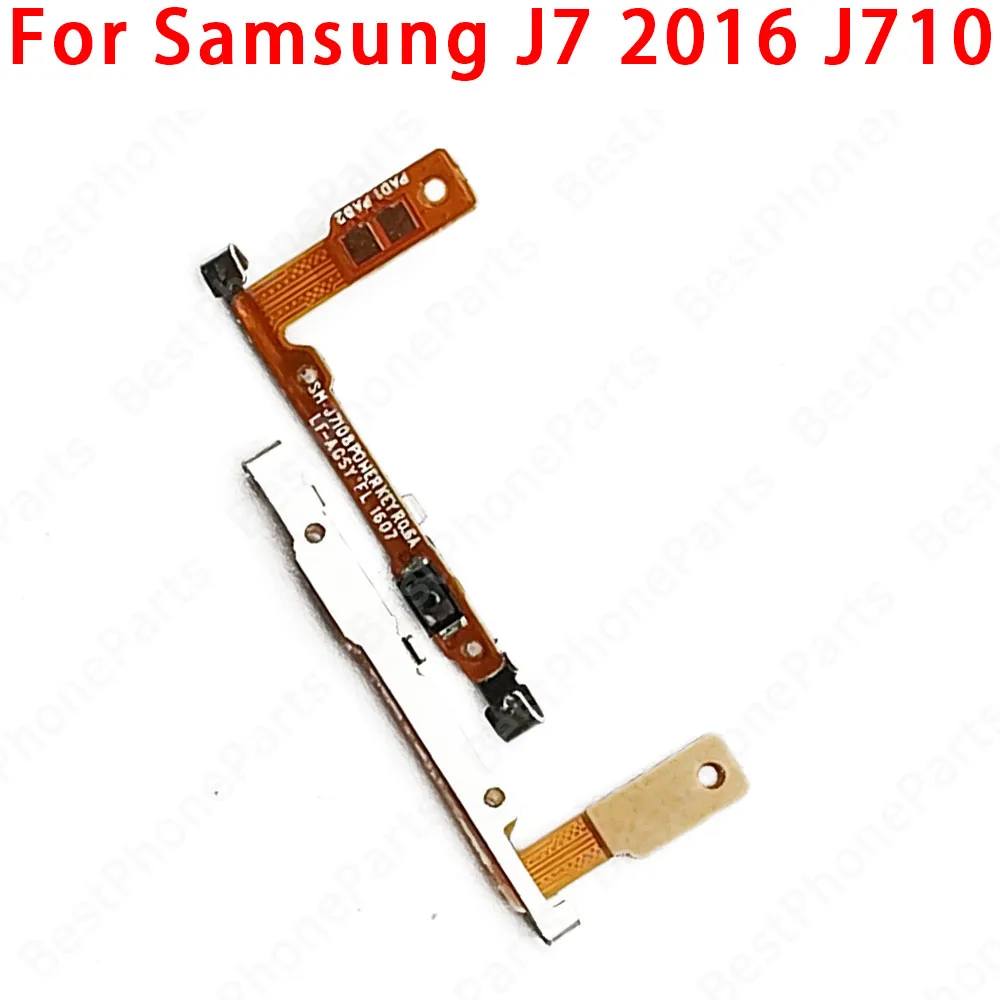
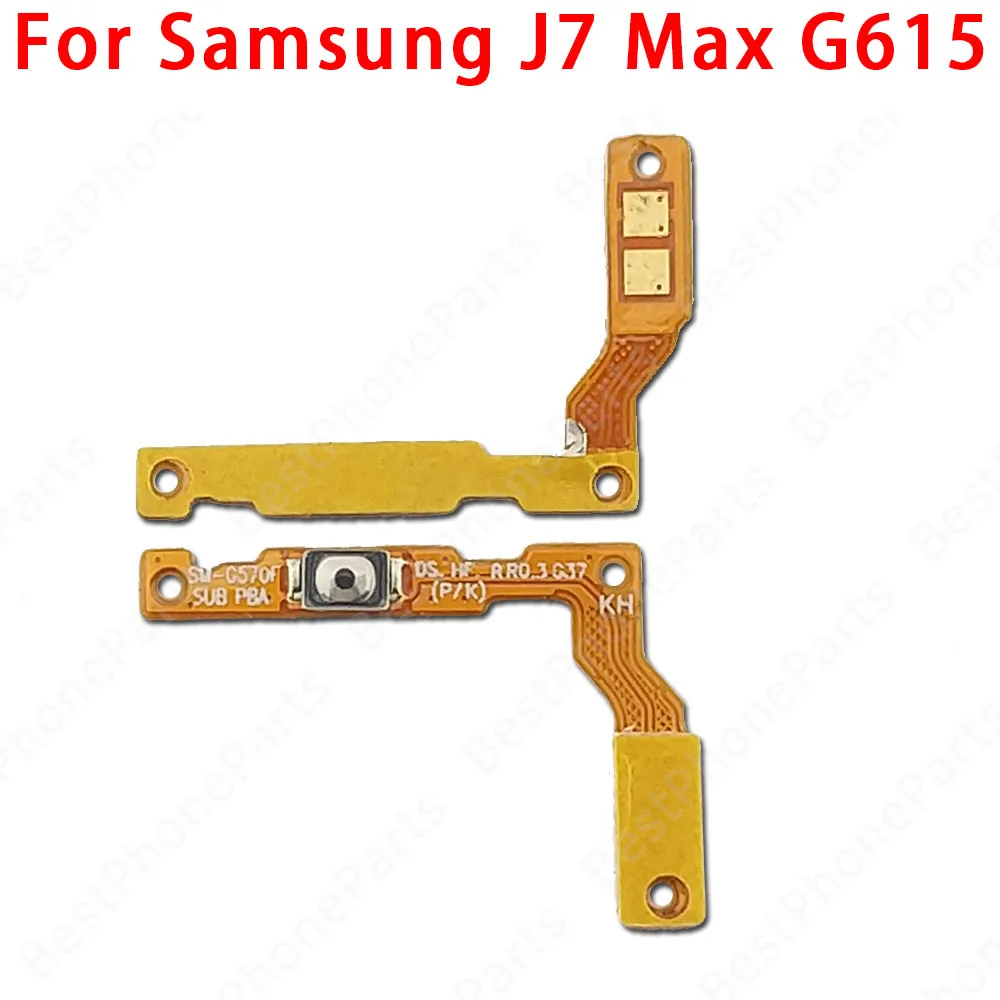
Enhanced Side Button Switch Volume & Power Flex Cable Replacement Parts (J7 Pro J730)

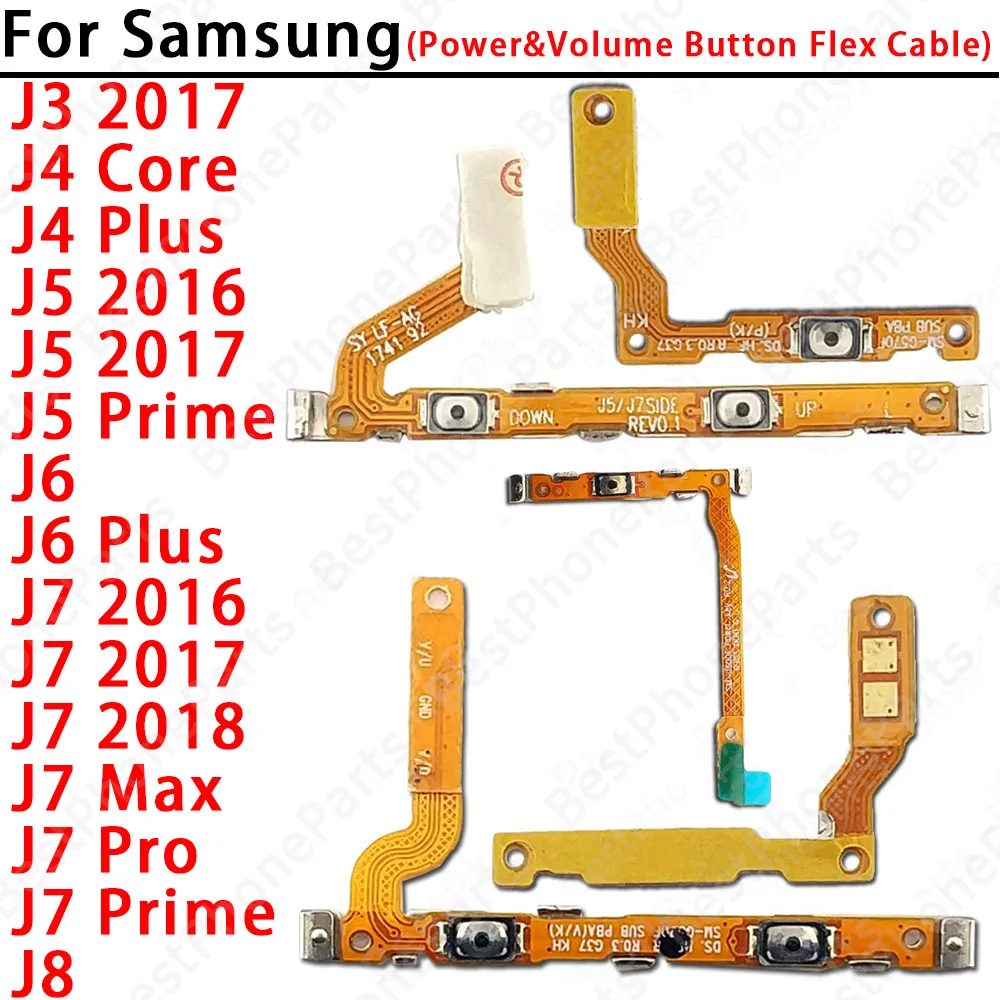
Enhanced Side Button Switch Volume & Power Flex Cable Replacement Parts
Colour: J7 Pro J730
J3 2017 J330 J4 Core J410 J4 Plus J415 J5 2016 J510 J5 2017 J530 J5 Prime G570 J6 J600 J6 Plus J610 J7 2016 J710 J7 2017 J730 J7 2018 J737 J7 Max G615 J7 Prime G610 J7 Pro J730 J8 J810

Product Description:

πŸ”˜ This high-quality Power and Volume Button Flex Cable is specifically designed for Samsung smartphones including the J3, J4, J5, J6, J7, J8, Core, Prime, Pro, Plus, and Max models from 2016 to 2018. It serves as a crucial component for ensuring optimal functionality of your device's power on/off and volume control features.

Quality Assurance:

πŸ† Each flex cable is 100% original and goes through rigorous testing, guaranteeing reliability and performance. We ensure that every item is examined one by one before it reaches your hands, so you can have peace of mind knowing you're receiving a top-quality product.

Installation Guide:

🧩 Installing the new flex cable requires careful attention to detail. Begin by gathering the necessary tools, such as screwdrivers, tweezers, and other specialized equipment, to assist in safely removing the phone case and accessing the cable. Follow this sequence for a successful installation:

  • Remove the Phone Case: Use appropriate tools to gently take off the phone case, ensuring that you don’t apply excessive force that might damage surrounding components.
  • Locate the Flex Cable Connectors: Carefully identify the cable connections for the power and volume buttons on the phone's motherboard, usually found on the main circuit board.
  • Disconnect the Old Cables: Gently remove the old cables from their connectors. Take care not to pull too hard to prevent any damage.
  • Clean the Connector: Use a soft cloth or cotton swab to clean the connector area, eliminating any dust or debris that could affect the connection.
  • Install the New Flex Cable: Plug the new cable into the original connector, ensuring a secure and snug fit to prevent disconnections.
  • Reassemble the Phone: Carefully put the phone back together in the reverse order of disassembly, ensuring all components are securely in place.
  • Test the Device: Power on your phone and test the functionality of the power and volume keys to confirm proper installation. If issues arise, double-check the connections for any misplacements or loose connections.

πŸ”’ It’s important to approach phone repair with patience and the right tools. If you feel uncertain at any point during the installation, consider consulting a professional to avoid any potential damage to your device.

C$20.99 In Stock
Quantity:
Colour: J7 Pro J730

paypalidealbancontactdiscoverklarnagoogle-pay
Delivery Wednesday, 4th November - Friday, 6th November
C$10.00 On time delivery guarantee

If this item arrives after the delivery date given at checkout, you will be emailed a C$10.00 credit voucher to use on your next order
Why choose SDTEK?
Over 2 million customers since 2013
4.0 Google Shopping Rating
Great Trustpilot Rating
Fast delivery worldwide
14 Day, easy returns
24 Hour customer services
Buying for your business?
Bulk discounts available on this product
See our quantity discounts and business pricing

Related items