
Phone Cases
Chargers and Cables
Gaming
Gadgets
Tablet and iPad Cases
Your Account
Language
Business
Phone Data
Contact Us
4.0 Google Shopping Rating Over 2 million customers since 2013 C$3.99 Worldwide Delivery Free delivery order over C$40+

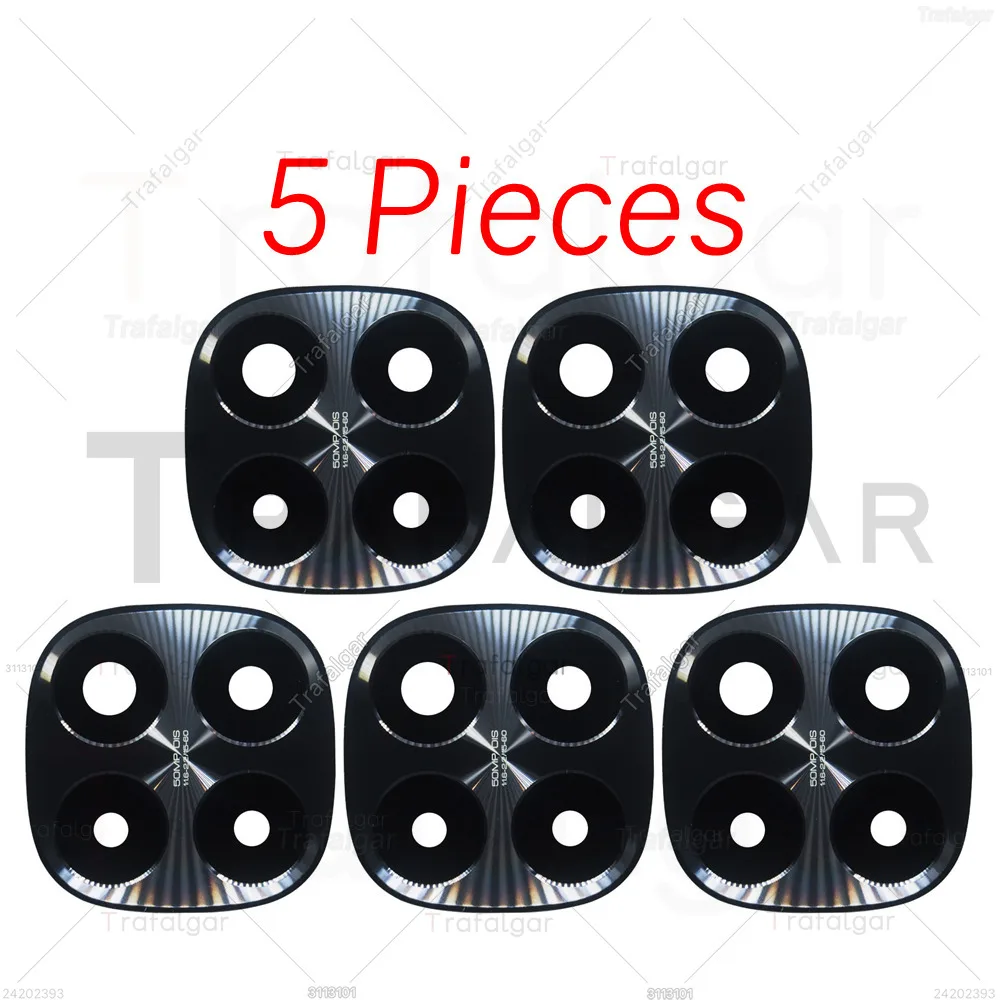
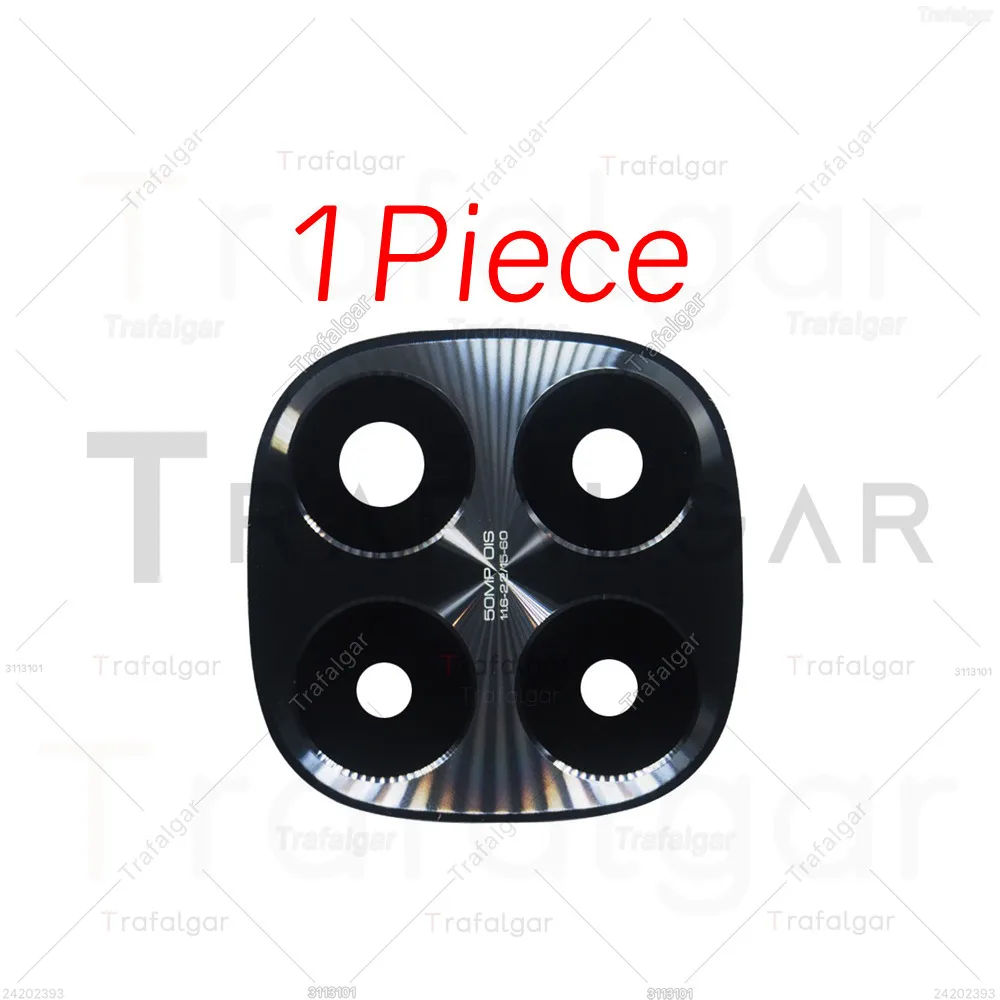
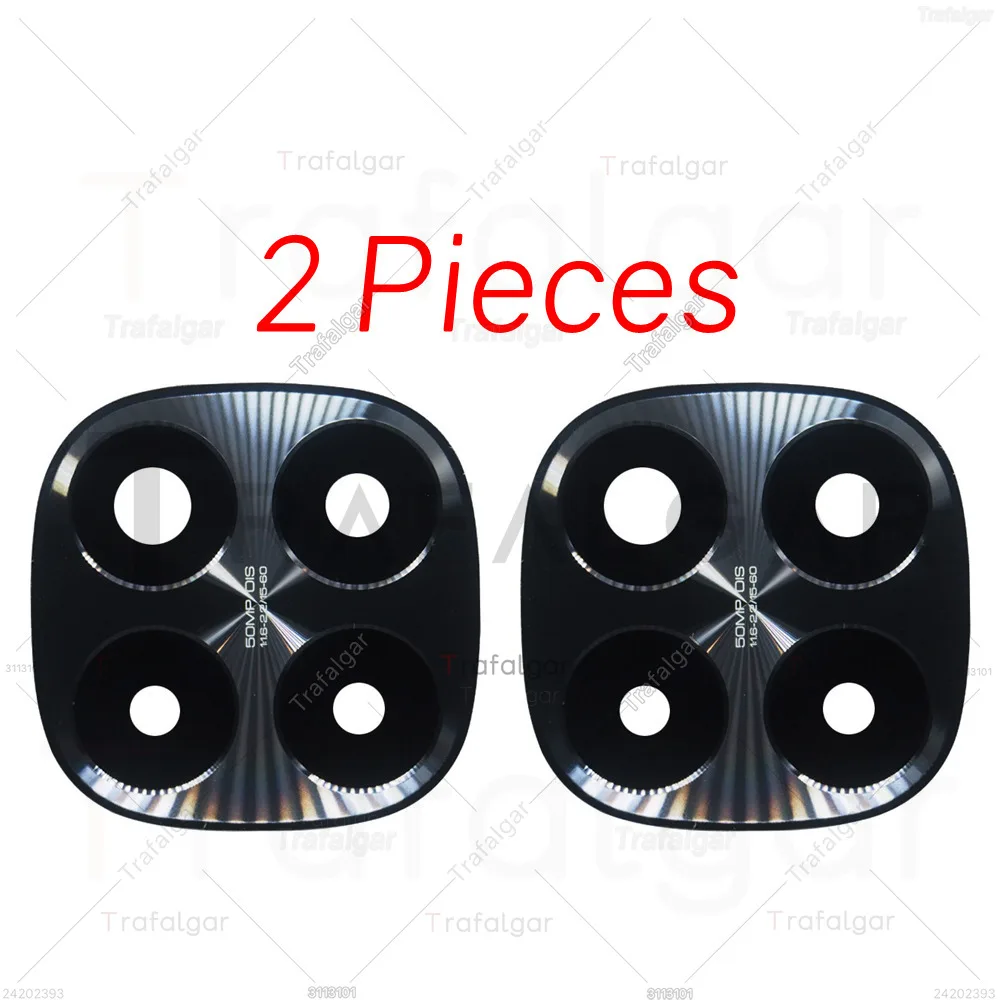
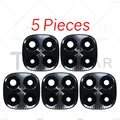
Premium Rear Back Camera Glass Lens Replacement for Xiaomi Redmi Note 14 Pro+ Plus 5G (5 Pieces)

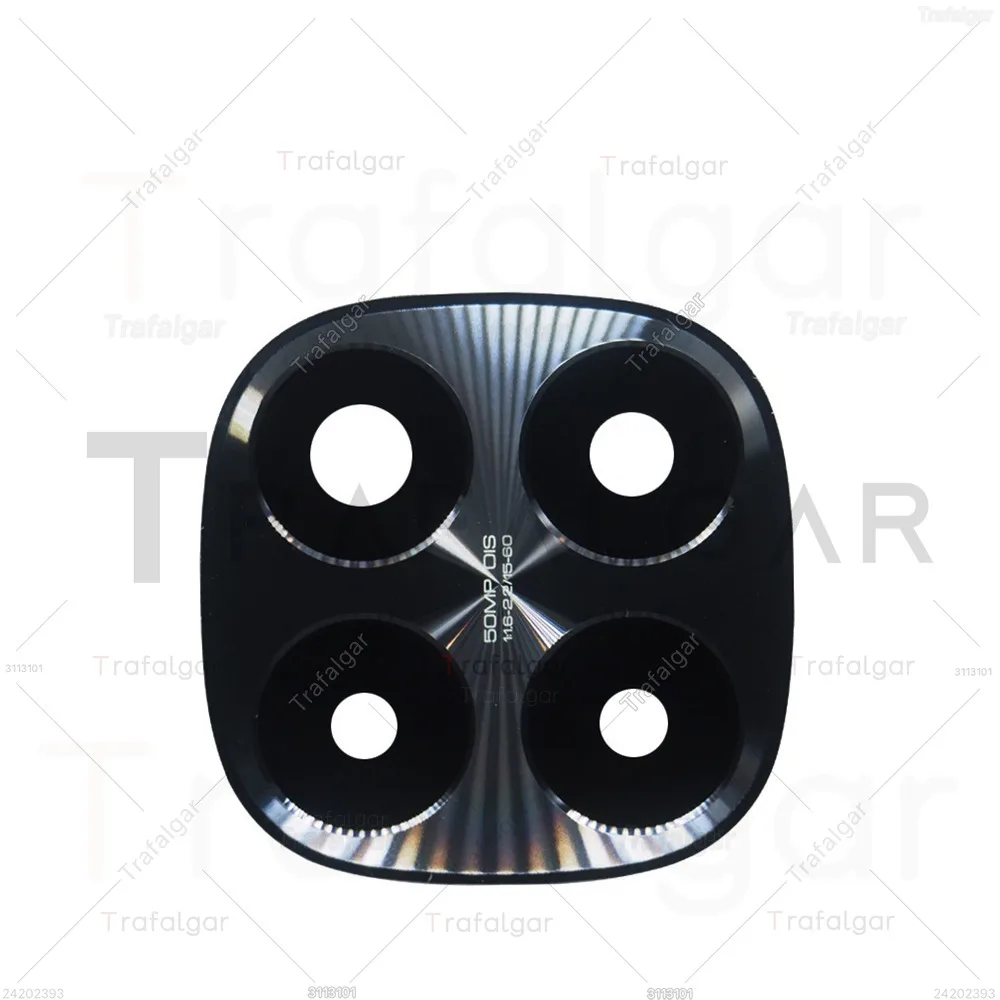
Premium Rear Back Camera Glass Lens Replacement for Xiaomi Redmi Note 14 Pro+ Plus 5G
Colour: 5 Pieces
1 Piece 2 Pieces 5 Pieces

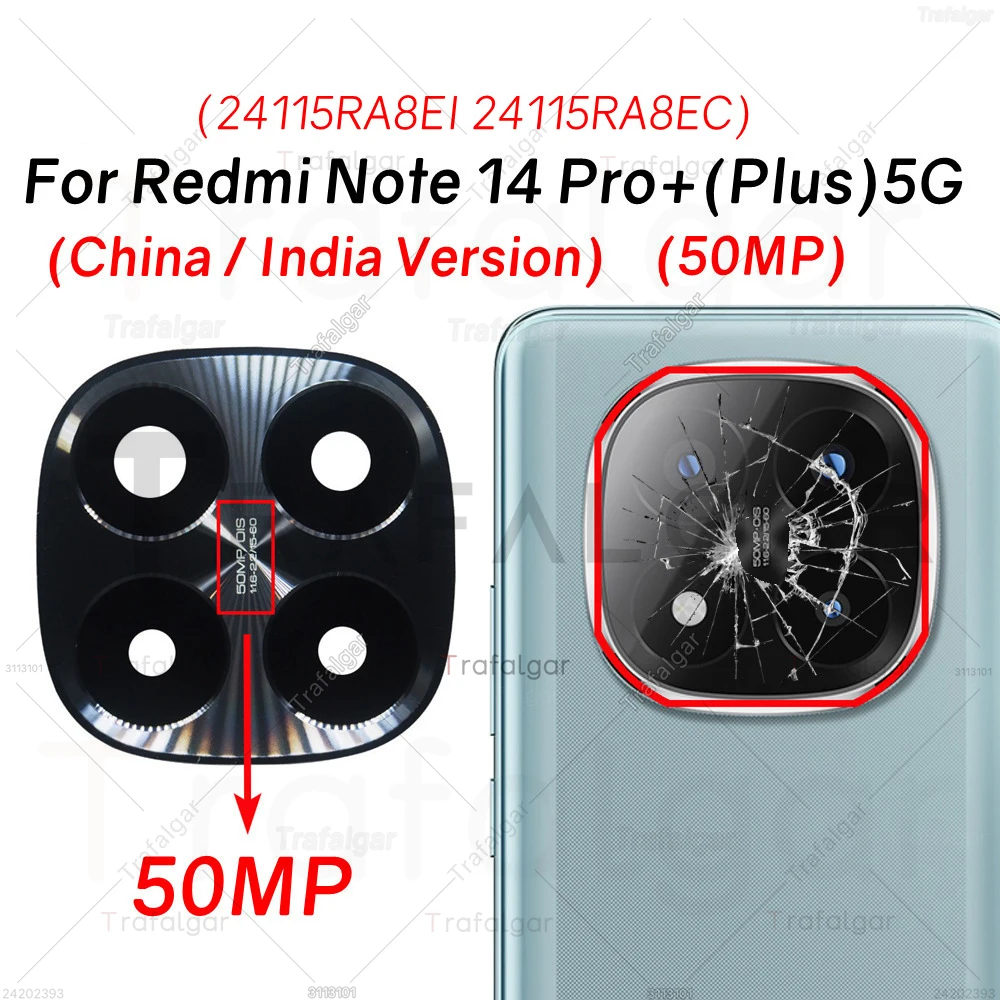
πŸͺž Replacement Rear Camera Glass Lens for Xiaomi Redmi Note 14 Pro+ 5G - 50MP (India & China Versions)

πŸͺž If you’re in need of a reliable replacement, this high-quality rear camera glass lens is specifically designed for the Xiaomi Redmi Note 14 Pro+ 5G. Engineered for both the India and China versions (model numbers 24115RA8EI and 24115RA8EC), this replacement lens effectively restores the protective barrier for your camera, ensuring optimal photo quality.

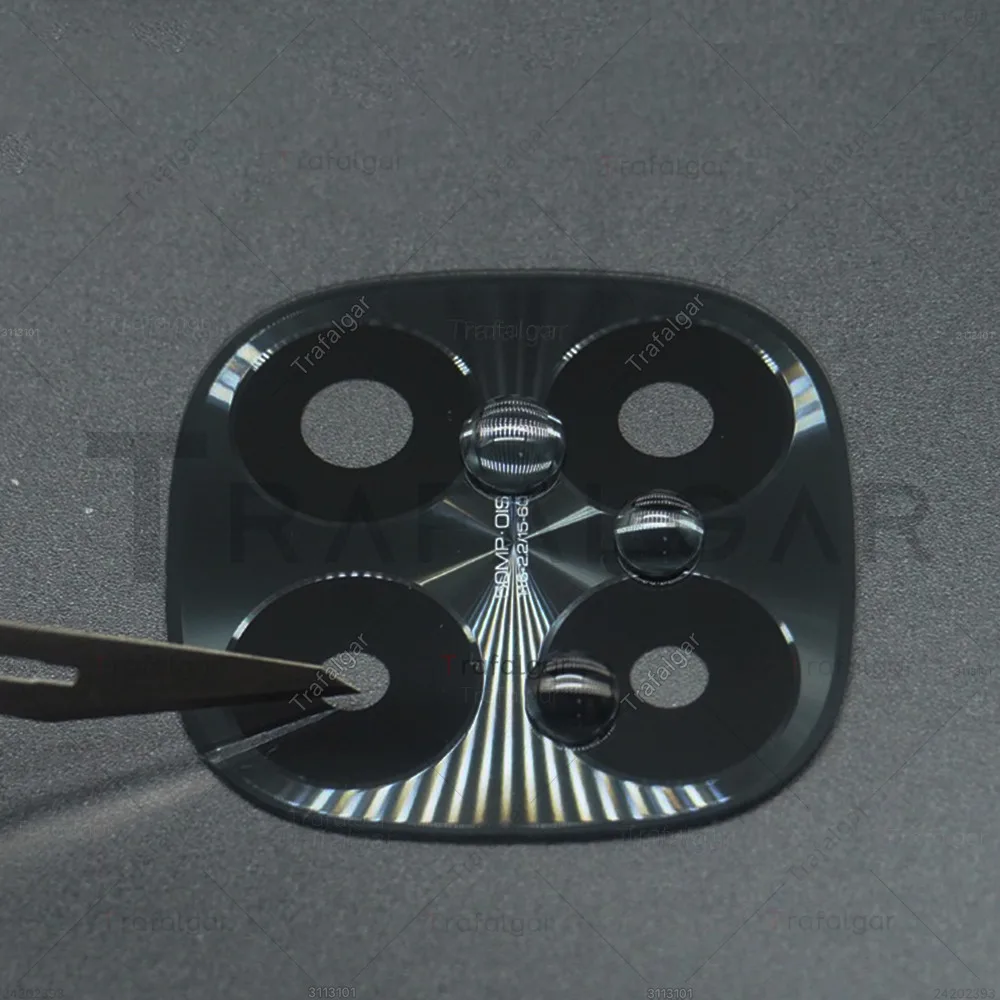
πŸͺž Crafted from premium tempered glass, this lens not only guards against scratches but also shields the camera from various forms of damage. The durable design helps maintain the clarity and integrity of your camera, allowing you to take sharp and vibrant photos without compromise. Its easy installation process means you can quickly bring life back to your device without the need for professional assistance.

Installation Instructions:

  1. Before beginning the installation, ensure your phone is powered off and the battery is removed for safety.
  2. To loosen the adhesive on the old camera lens, carefully apply heat using a heat gun or a hair dryer.
  3. Take caution while removing the old lens to avoid damaging the camera sensor or any surrounding components.
  4. Apply a thin layer of adhesive to the back of the new lens before placing it precisely over the camera sensor.
  5. Utilize a credit card or a similar flat tool to gently press down on the new lens, ensuring it adheres securely.
  6. After securing the new lens, reassemble your phone, power it on, and test the camera functionality to confirm successful installation.

πŸ”’ Revitalize your photography experience with this dependable replacement lens and protect your device's camera for the future.