










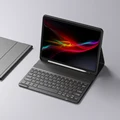





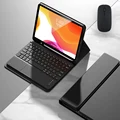





📶 Experience a Seamless Typing Journey with the Wireless Magic Keyboard & Mouse for iPad Pro
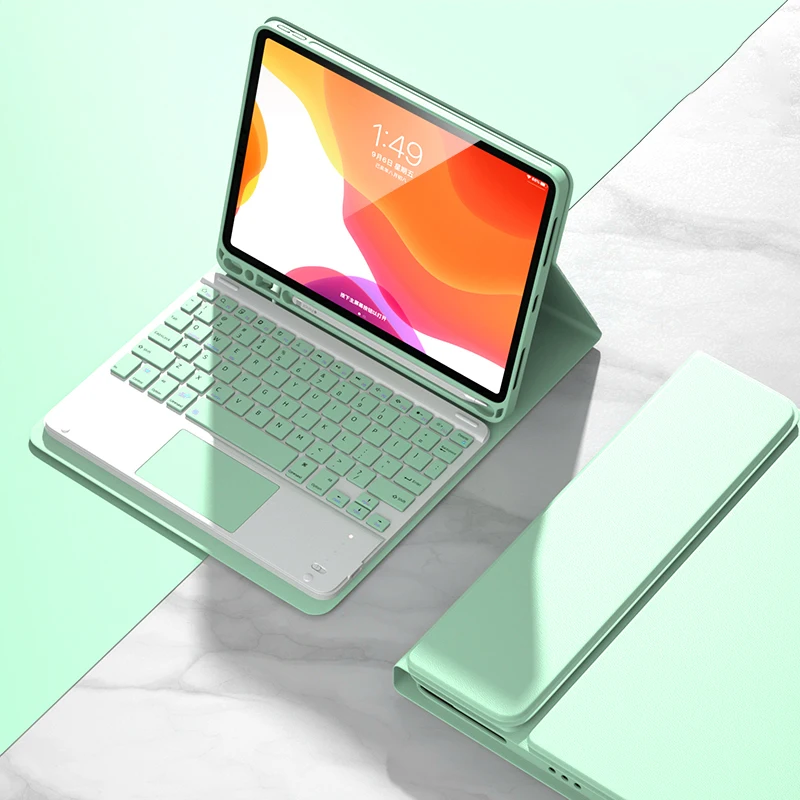
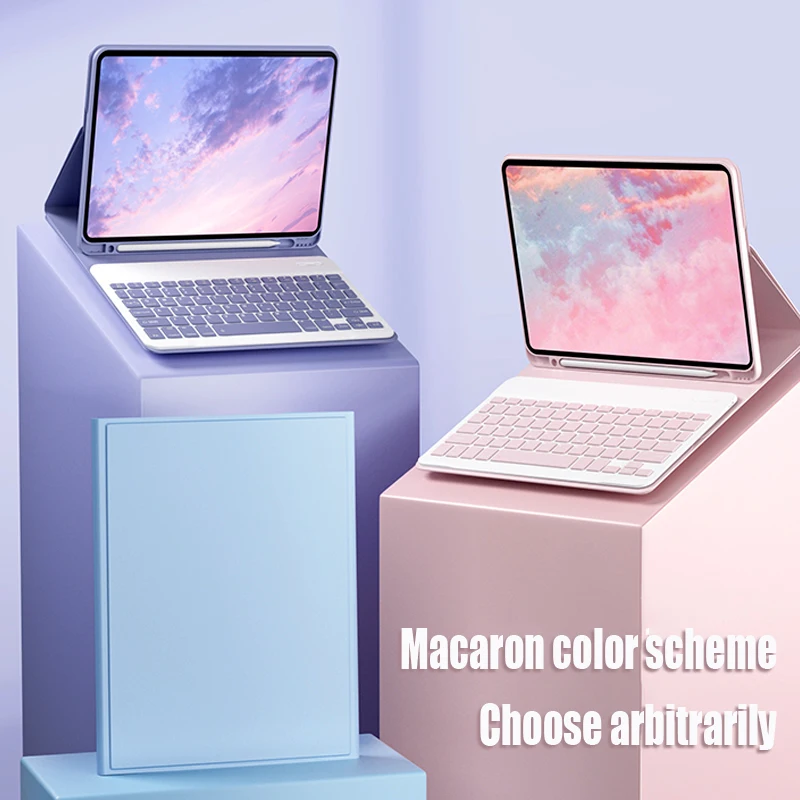
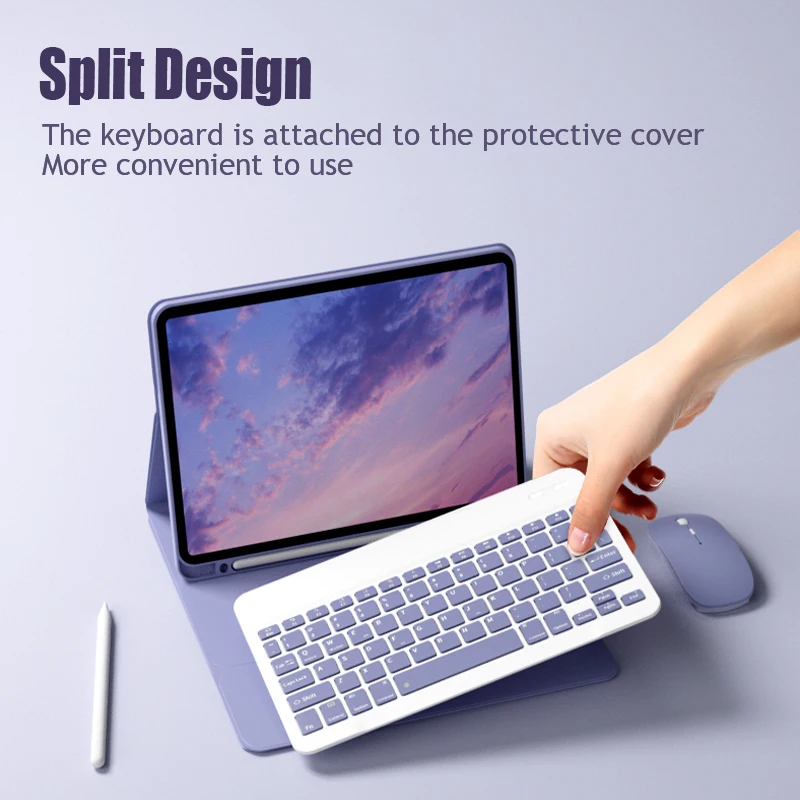
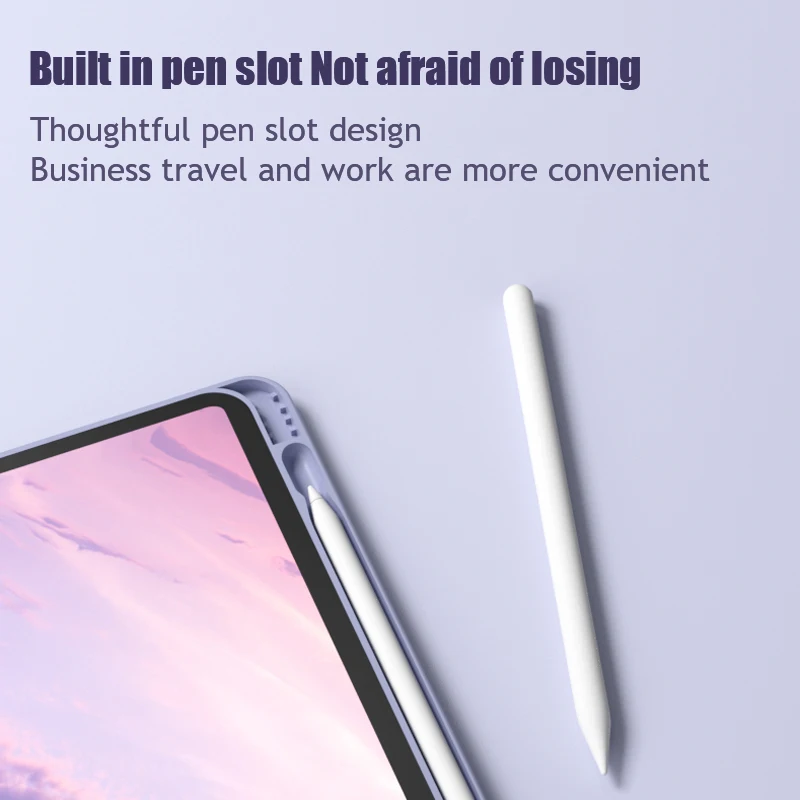
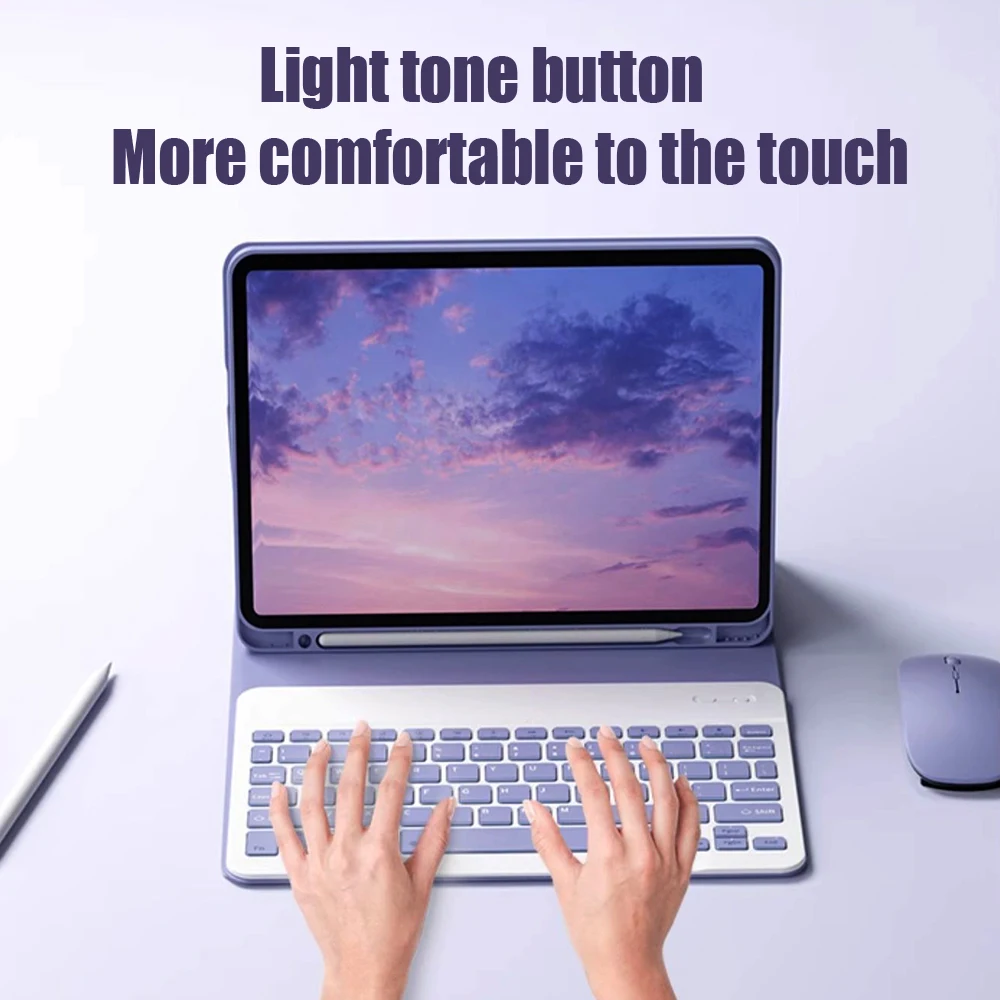
💎 Elevate your iPad Pro experience with our premium wireless keyboard and mouse set. Perfectly tailored to work with a wide array of iPad models, including Pro, Air, and various generations, this keyboard provides a sleek and efficient typing solution.
⚡ Universal Compatibility: Our keyboard effortlessly connects with iOS, Android, and Microsoft systems, ensuring that you can switch between your smart phone, tablet, and laptop with ease. The Bluetooth connectivity supports a substantial range of 8m-10m, offering flexibility and convenience.
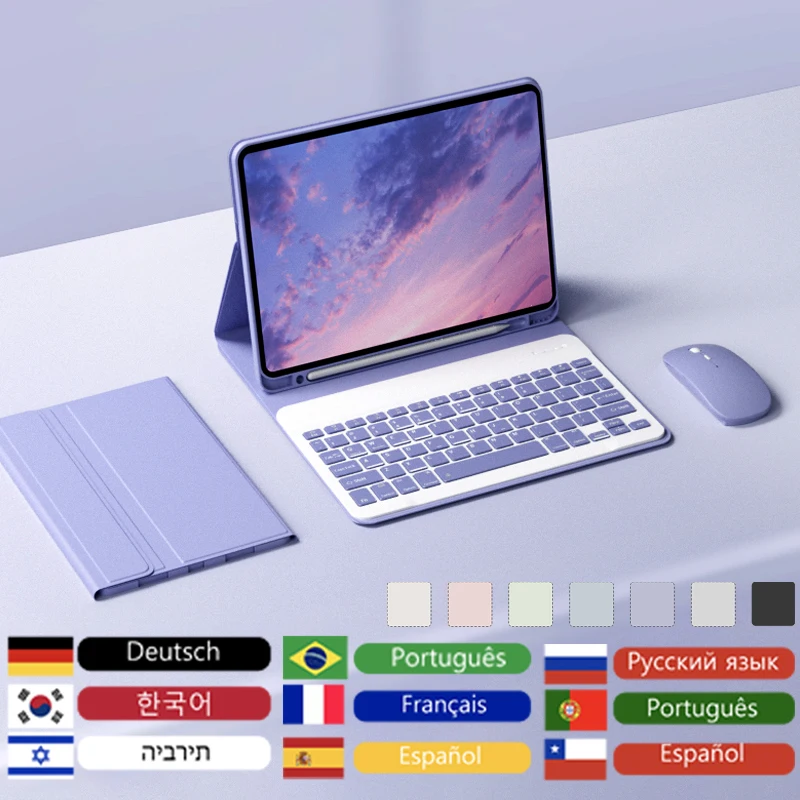
⚡ Multi-Language Support: We provide a diverse selection of keyboards in different languages to cater to your typing needs, including Russian, Spanish, Arabic, Portuguese, Hebrew, French, Italian, Korean, and German. Enjoy a truly international experience with just a simple request at the time of your order.
🔵 Advanced Bluetooth Technology: Connection simplicity is our priority. Follow four straightforward steps to immerse yourself in an efficient workday:
📶 Innovative Dual Mode Mouse: Our dual-mode wireless mouse (BT 4.0 + 2.4GHz) provides an effortless transition between two devices using only a single click. For iPad use, please enable the "Assistive Touch" option under Settings > Accessibility > Assistive Touch.
👌 Simple Bluetooth Connection: To connect your devices, follow these easy steps:
📶 Enhance your iPad usability with our Wireless Magic Keyboard and Mouse solution, designed to bring comfort, efficiency, and versatility to your fingertips.