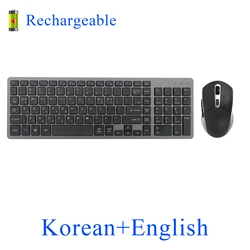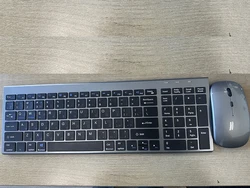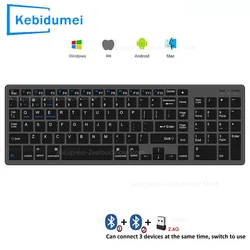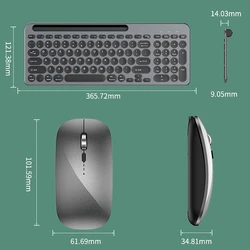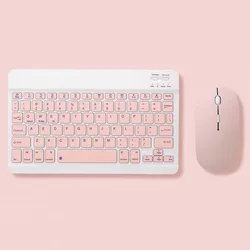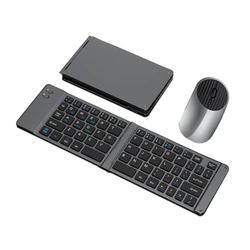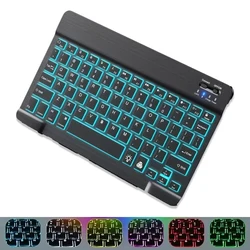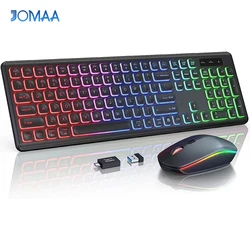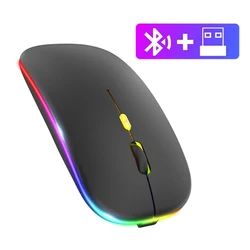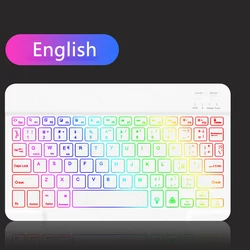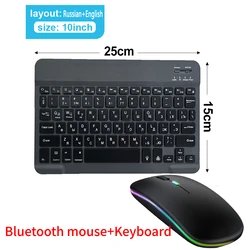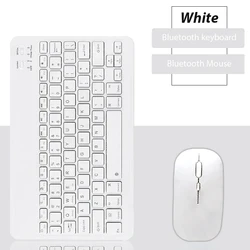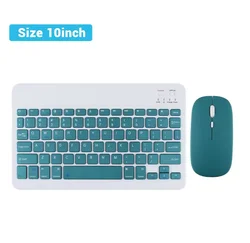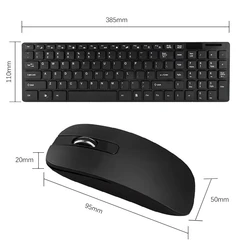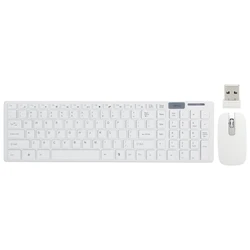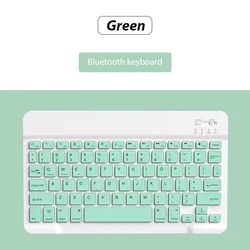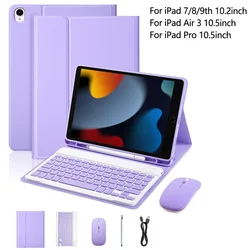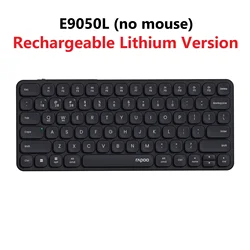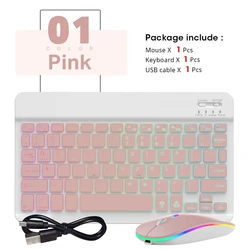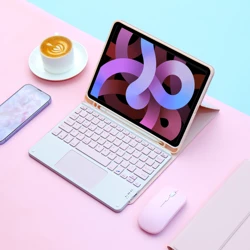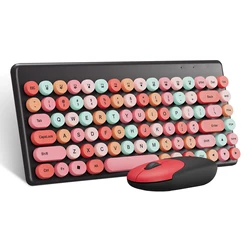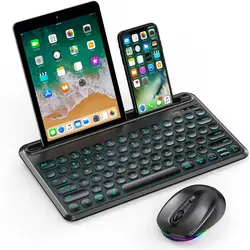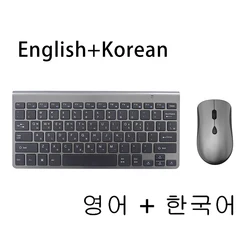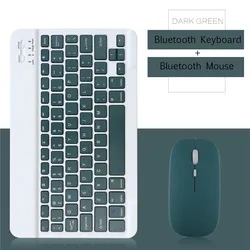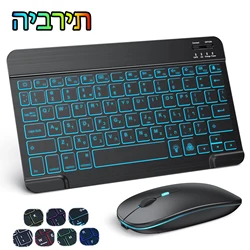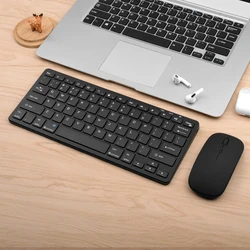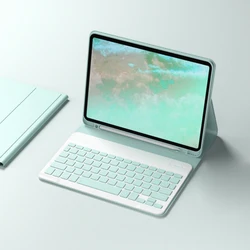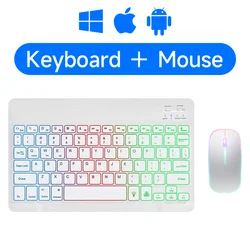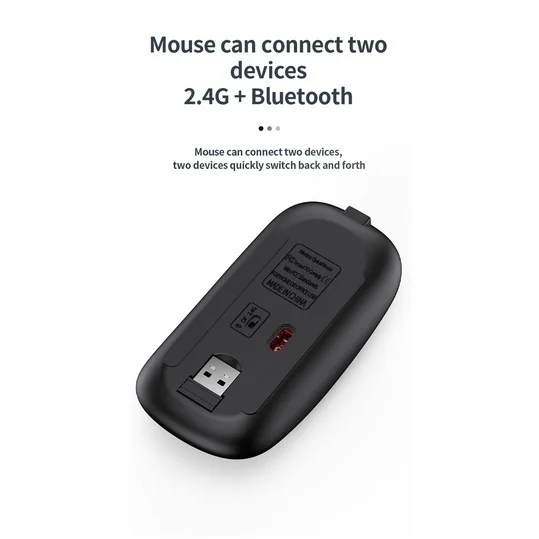
📏 Jomaa Slim Rechargeable Bluetooth Keyboard and Mouse Set offers a sleek and efficient solution for your laptop and computer needs. This sophisticated 2.4G USB wireless keyboard and mouse combo is designed for seamless integration with your devices, enhancing your productivity with its advanced connectivity options.
USB 2.4G Connection:
🤲 To get started with the USB connection, simply flip the power switch to the ON position to power up the keyboard. Next, insert the USB receiver into your computer. Hold down the FN+~ keys to establish a successful connection between the keyboard and your device. This straightforward process ensures you're ready to type in no time.
🔵 Bluetooth Connection:
🤲 For those looking to connect via Bluetooth, toggle the power switch to ON. Activate your device's Bluetooth feature and follow the system settings to search for new devices. Simultaneously, press and hold either FN+1, FN+2, or FN+3 on the keyboard. As the light flashes, your device should display "O50 keyboard BT," allowing you to click and connect effortlessly.
🔁 Multi-Device Connectivity:
📏 With the Jomaa Slim keyboard, you can easily manage multiple devices. Utilize FN+1, FN+2, and FN+3 to connect to up to three different Bluetooth devices, while FN+~ allows you to revert to USB 2.4G wireless reception. Switching between paired devices is as easy as pressing FN+1, FN+2, FN+3, or FN+~, while holding the keys down for three seconds enables the pairing mode for new devices.
Additional Instructions:
📶 For optimal performance, ensure that you select the correct system mode for the first connection. Neglecting to do so may affect the functionality of the function keys. The wireless operating range of the keyboard is approximately 5-10 meters, though various environmental factors, including language settings on different devices, can influence this distance.
Troubleshooting Tips:
💍 If you encounter issues during the pairing process, consider the following solutions: ensure Bluetooth is active on your device before trying a new search; if the keyboard does not indicate power, recharge it; when switching back to a previous device, remember to delete the old connection record; and if pairing fails, wipe the failed pairing record and attempt a fresh connection.
📏 The Jomaa Slim Rechargeable Bluetooth Keyboard and Mouse Set not only enhances your workspace but also provides flexibility with its multiple connection options, ensuring you stay productive and connected wherever you go.
If this item arrives after the delivery date given at checkout, you will be emailed a C$10.00 credit voucher to use on your next order