Phone Cases
Chargers and Cables
Gaming
Gadgets
Tablet and iPad Cases
Your Account
Language
Business
Phone Data
Contact Us
4.0 Google Shopping Rating Over 2 million customers since 2013 C$3.99 Worldwide Delivery Free delivery order over C$40+

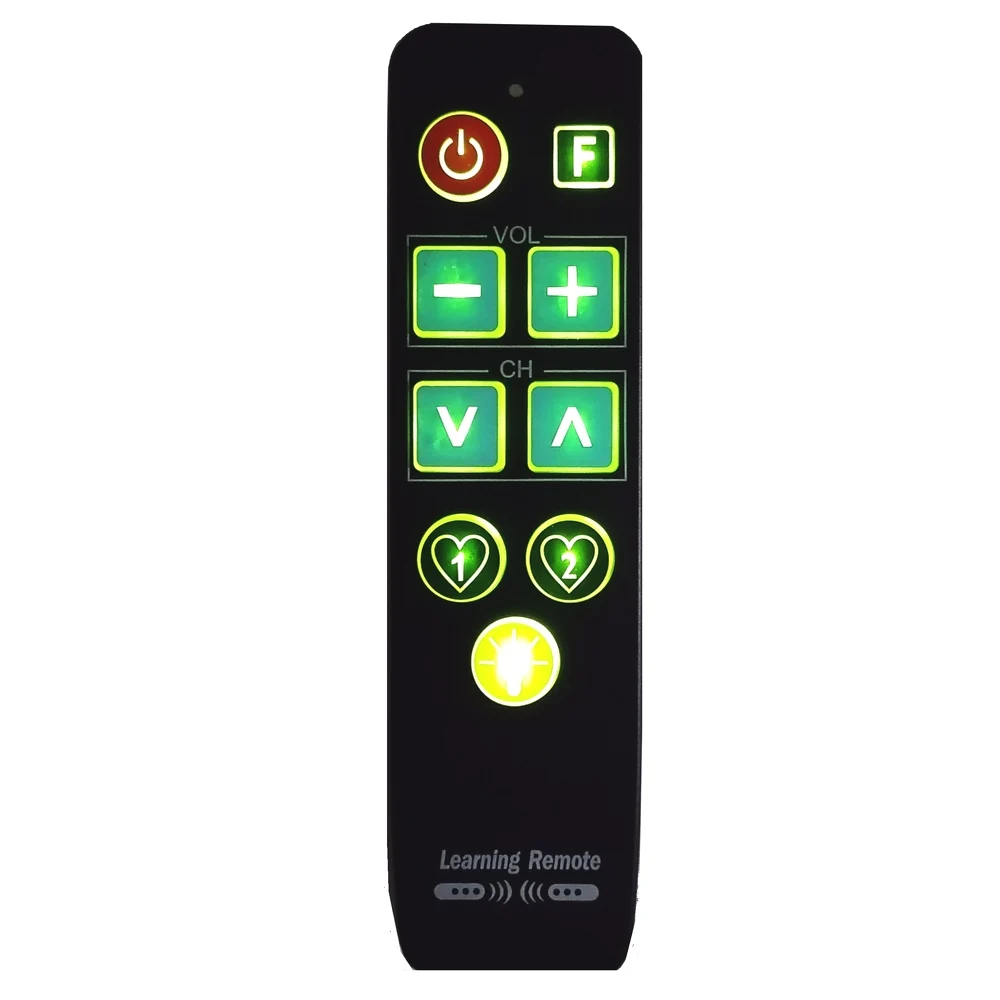
Enhanced Backlit Remote Control with Large Buttons (Black)

Enhanced Backlit Remote Control with Large Buttons

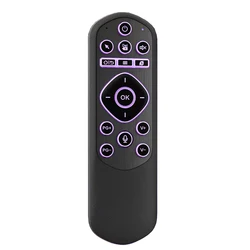
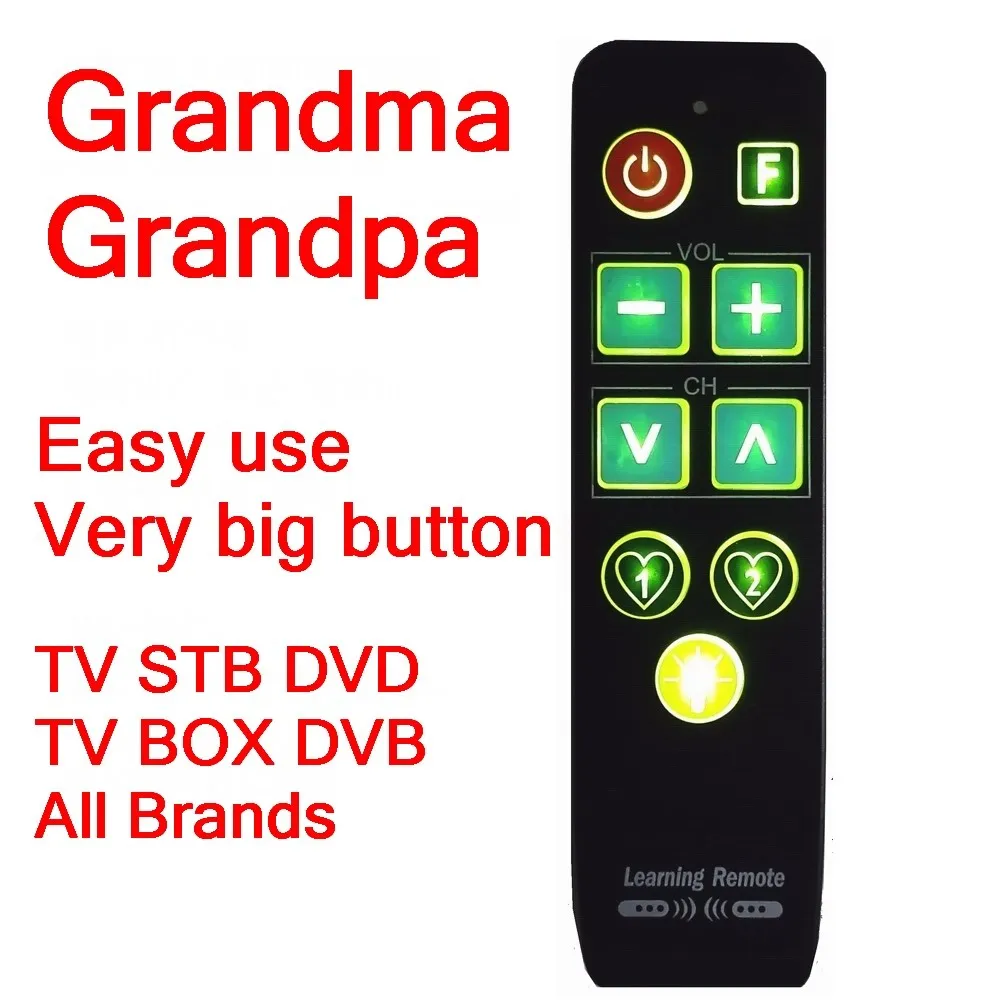
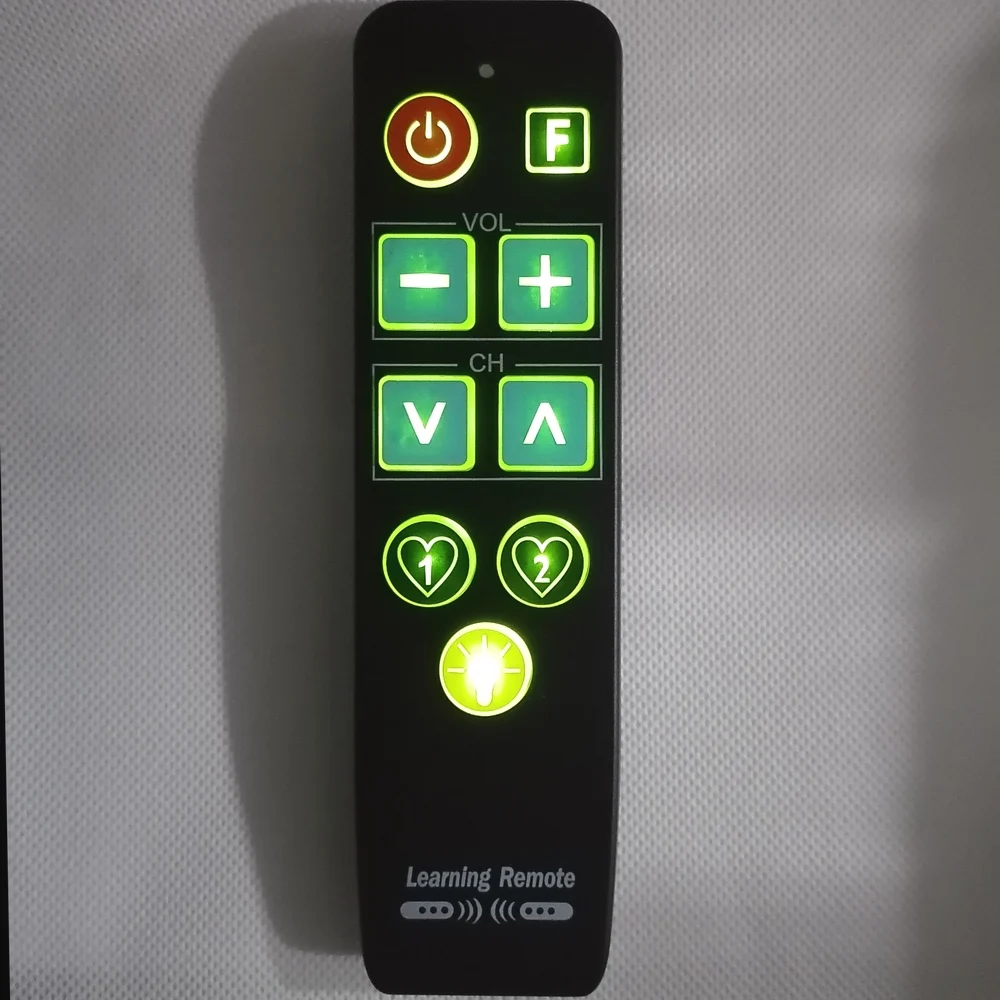
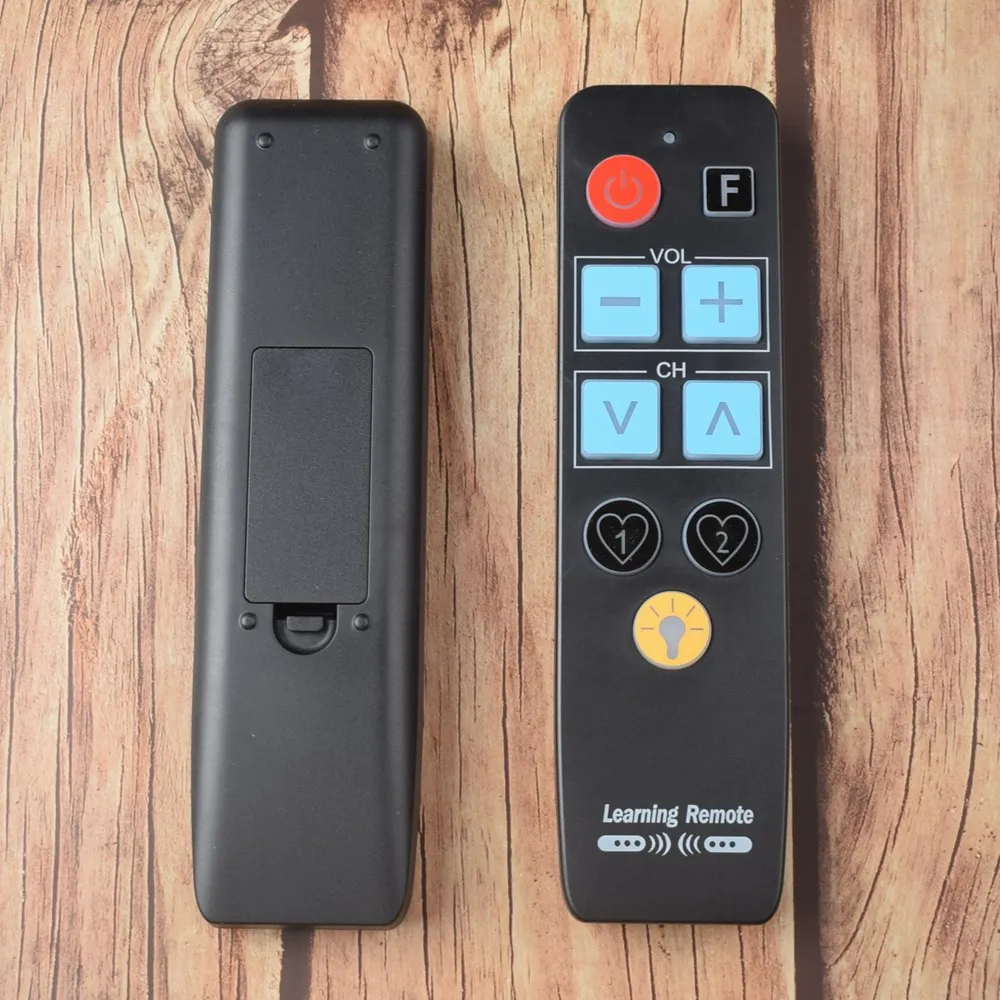
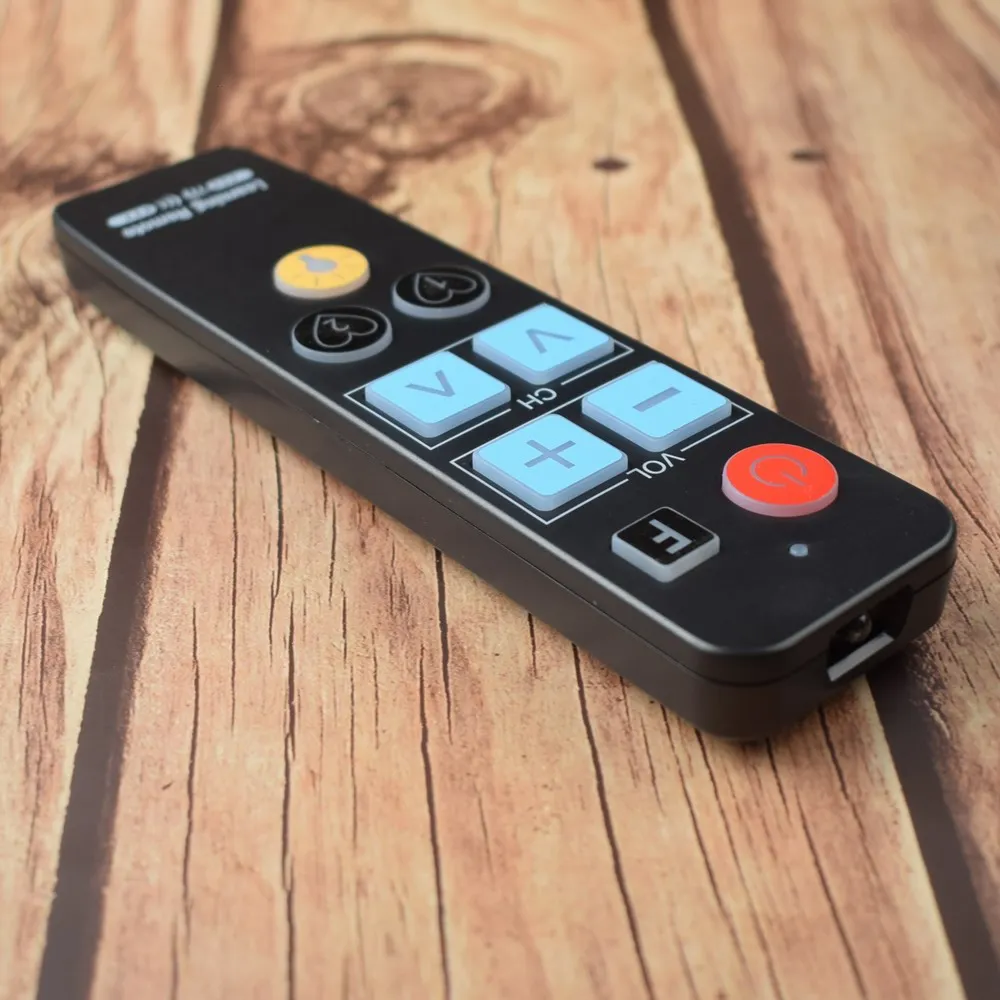
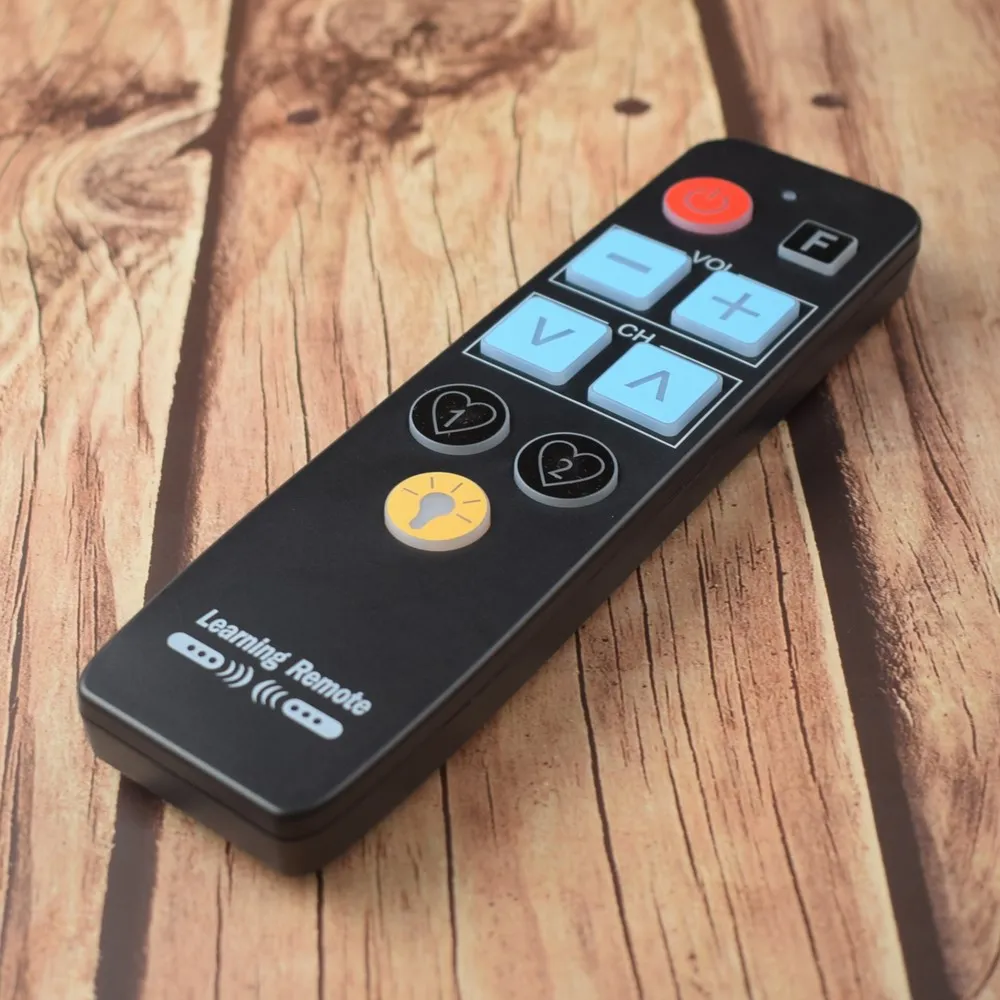
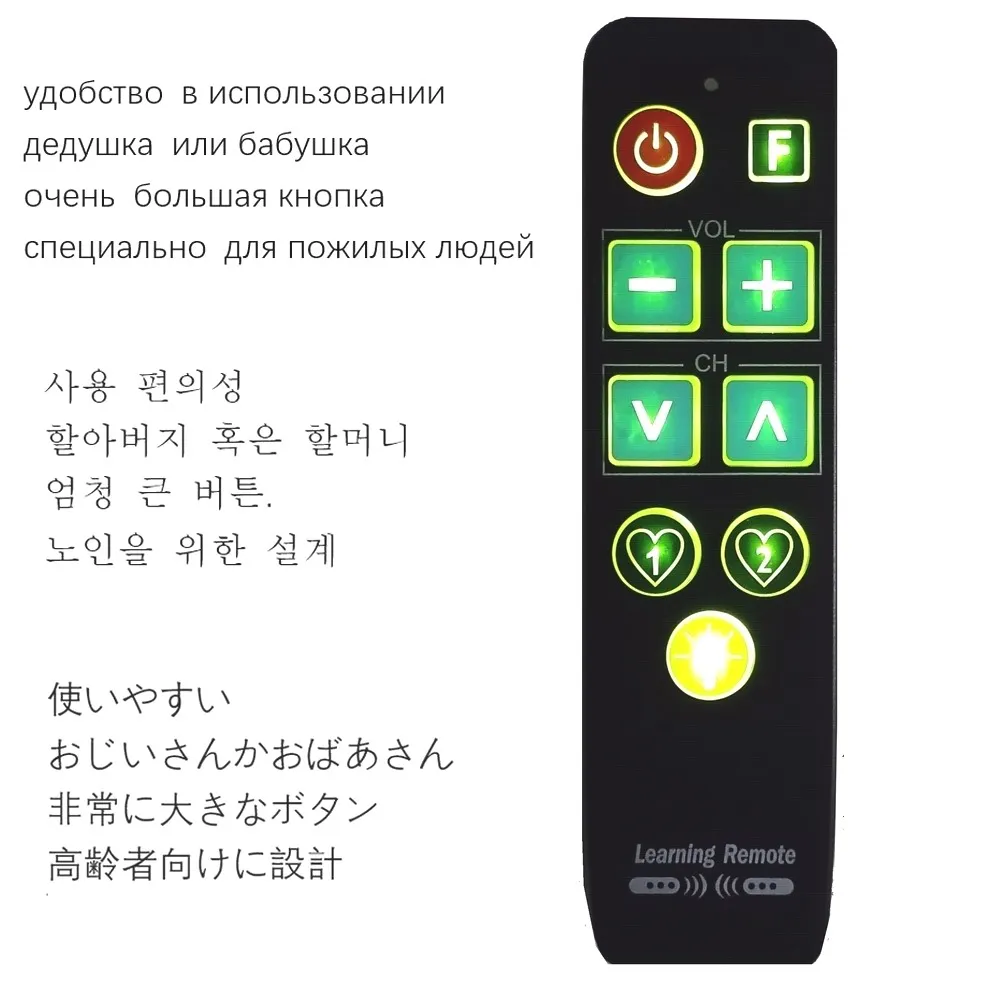
🔘 Discover the ultimate solution for simplified television control with our Remote Control featuring Backlit 9 Big Buttons, specifically designed to cater to the needs of elderly users. This innovative remote control stands out with its large, easy-to-press buttons that are ideal for those who may struggle with traditional remotes.

🔘 Designed for maximum ease of use, this remote not only assists seniors in navigating their favorite shows and movies but also supports two devices simultaneously, like your television and set-top box. Effortlessly assign the big power and volume buttons for the TV, and conveniently program channel buttons for your TV box—streamlining the viewing experience.

⚡ Important Considerations:

  • As a learning remote control, it requires the original remote to teach its functions. If you have lost your original remote, this product may not meet your needs.
  • Please note that this remote does not work with air conditioners or Bluetooth controls, and is incompatible with remotes featuring microphone or cursor functionalities.
  • For any issues, we guarantee a full refund if the remote fails to perform as expected, with the reminder that changing the batteries won’t alter the programmed settings.
  • The 'Bulb' button is exclusively for activating the backlight and cannot be programmed to control other functions.

🔘 Programming Your Remote Control:

🏆 To get started, you'll need two AAA batteries to power the remote. Ensure they are new for optimal performance.

  1. Position both remotes facing each other on a flat surface, about 2cm to 5cm apart.
  2. Simultaneously press the "Big Power" and "Up" buttons until the LED indicator flashes.
  3. Press the desired button you want to program (e.g., Power). Once the LED stops flashing, programming for that button is set.
  4. Press the corresponding button on the original remote for more than 2 seconds until the LED flashes, confirming the button has learned its function.
  5. To program additional buttons (like Volume or Channel), repeat steps 3 and 4 as needed.
  6. To exit programming mode, press both the "Big Power" and "Up" buttons until the LED indicator turns off.

🔘 Note: If you encounter issues with specific buttons post-programming, you have the option to program those buttons individually. The programming remains intact even if you switch out the batteries, ensuring a hassle-free experience. Remember, this remote won't function with devices involving a microphone or cursor controls.

💍 Elevate the viewing experience with our Remote Control—designed with simplicity and accessibility in mind, ensuring that everyone can enjoy their favorite entertainment with ease!

C$24.99 In Stock
Quantity:
Colour: Black

Delivery Wednesday, 28th October - Friday, 30th October
C$10.00 On time delivery guarantee

If this item arrives after the delivery date given at checkout, you will be emailed a C$10.00 credit voucher to use on your next order

Why choose SDTEK?
Over 2 million customers since 2013
4.0 Google Shopping Rating
Great Trustpilot Rating
Fast delivery worldwide
14 Day, easy returns
24 Hour customer services
Buying for your business?
Bulk discounts available on this product
See our quantity discounts and business pricing

Related items