Phone Cases
Chargers and Cables
Gaming
Gadgets
Tablet and iPad Cases
Your Account
Language
Business
Phone Data
Contact Us
4.0 Google Shopping Rating Over 2 million customers since 2013 C$3.99 Worldwide Delivery Free delivery order over C$40+

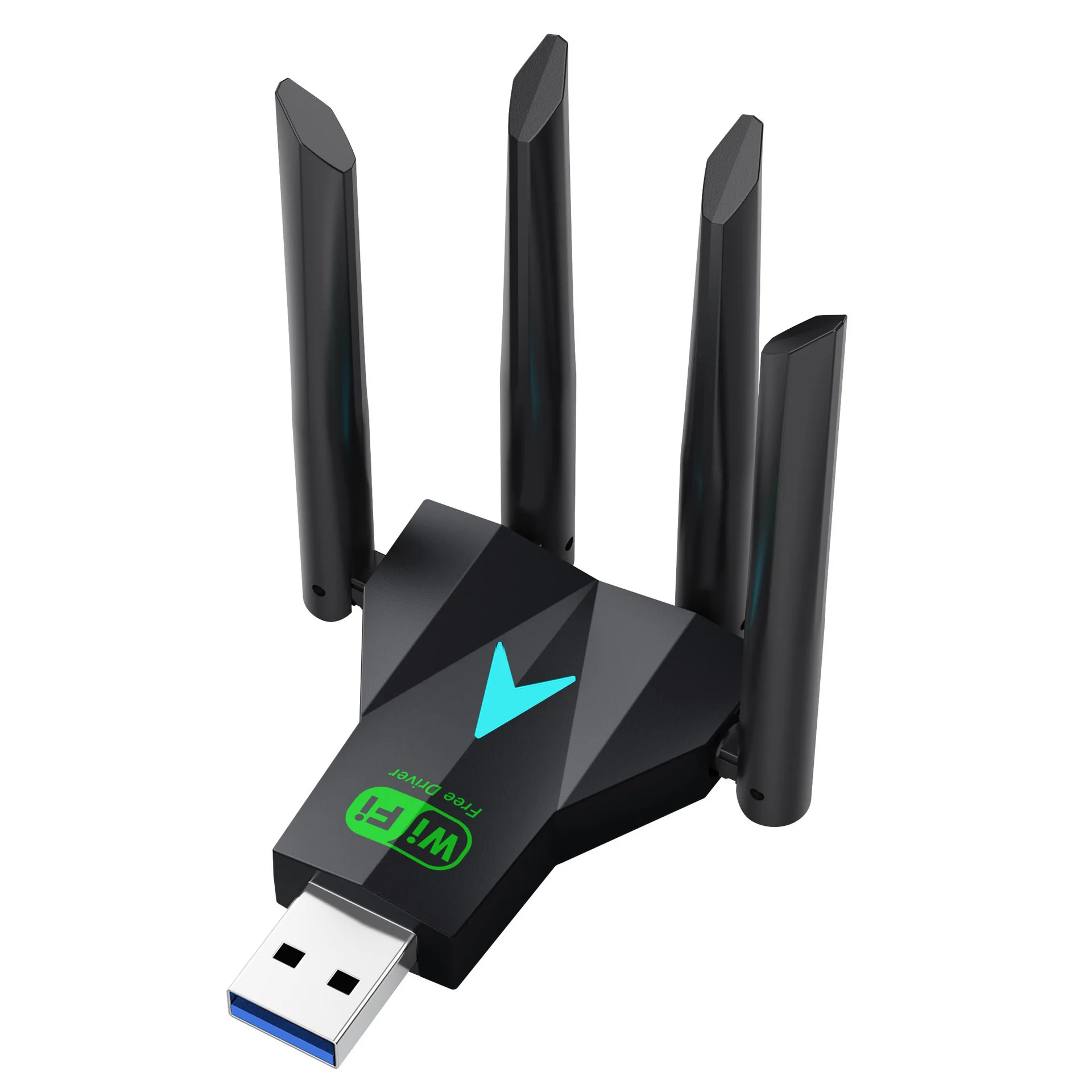
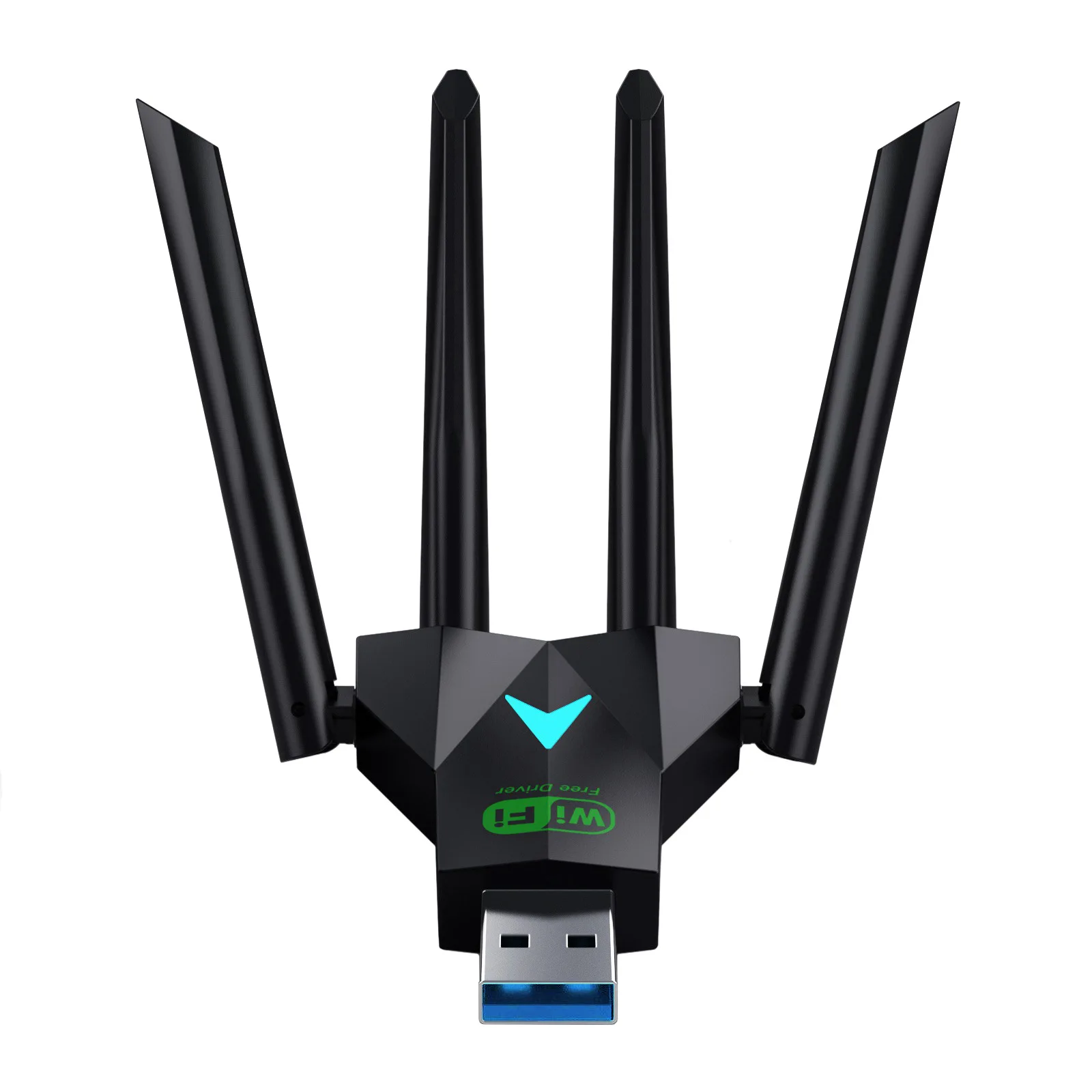
High - Speed Dual - Band Wireless USB Adapter with Quad Antennas - 1300Mbps WiFi Dongle (Black)

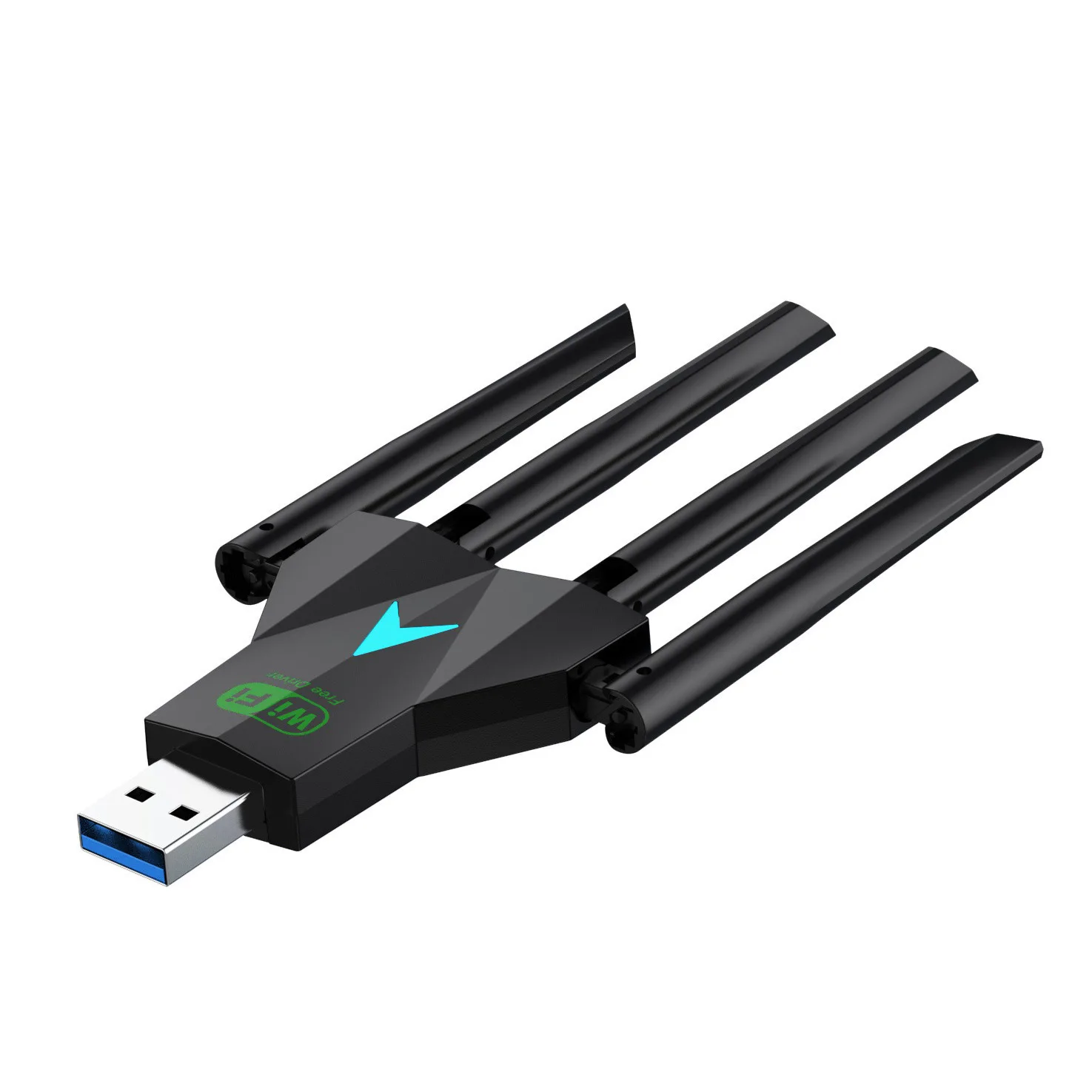
High-Speed Dual-Band Wireless USB Adapter with Quad Antennas - 1300Mbps WiFi Dongle

Introducing the 1300Mbps USB 3.0 WiFi Adapter

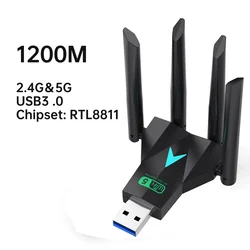
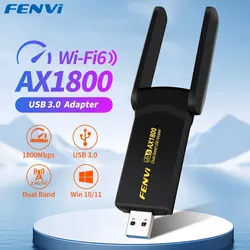
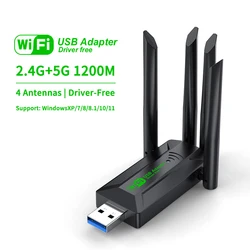
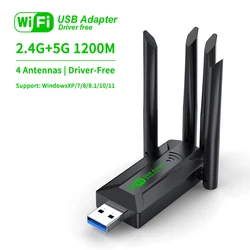
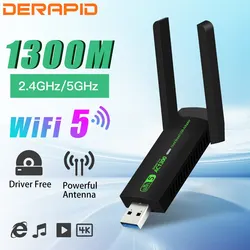
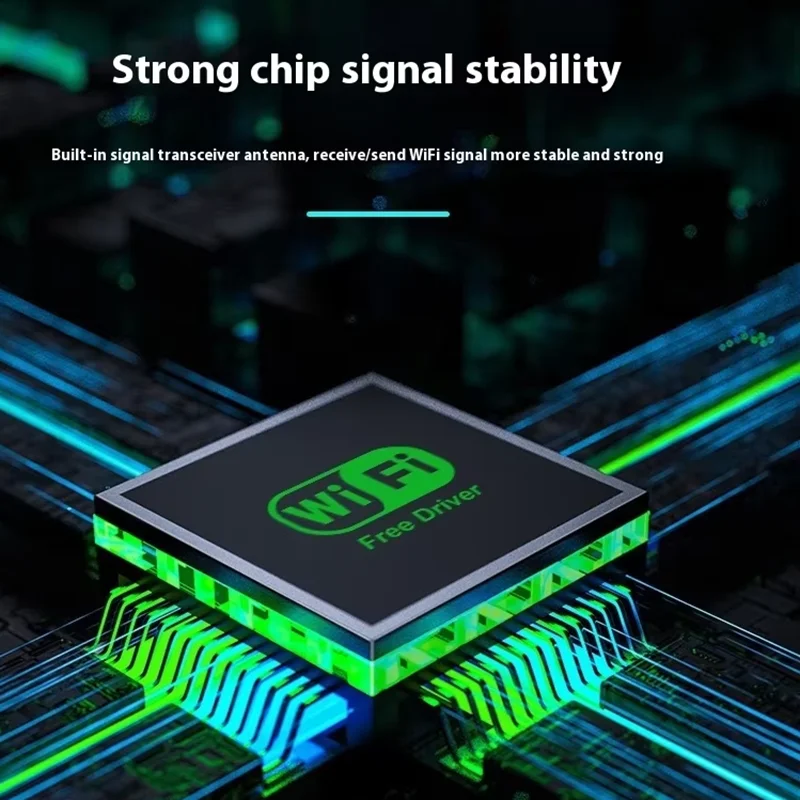
⚡ Enhance your internet connectivity with the state-of-the-art 1300Mbps USB 3.0 WiFi Adapter. Designed for seamless dual-band wireless performance, this dongle supports both 2.4GHz and 5.8GHz frequency bands, allowing for improved speed and reduced interference. The adapter is equipped with four external antennas that ensure an extensive range and stable connection for all your online activities.

Product Specifications:

  • Product Interface: USB 3.0
  • Frequency Bands: 2.4Ghz (2412-2484MHz) and 5.8Ghz (4905-5915MHz)
  • Maximum Transmission Rate: 1300Mbps (400Mbps on 2.4G + 867Mbps on 5G)
  • Antennas: Four external high-performance antennas
  • Standards Supported: IEEE802.11b/g/n and IEEE802.11ac
  • Compatibility: Windows XP, Vista, 7, 8, 8.1, 10, and 11
  • Product Dimensions: 58mm x 66mm x 72mm

⚡ With the user-friendly installation process, simply insert the WiFi adapter into a USB 3.0 port, open your computer's files, run the setup executable, and you’ll be connected in no time. Enjoy a reliable and high-speed internet experience, whether you're gaming, streaming, or browsing.

Installation Guide:

  1. Insert the WiFi adapter into the USB 3.0 port on your computer.
  2. Access "This PC" or "My Computer".
  3. Locate and double-click to open [Setup.exe].
  4. Click [Install] to proceed with automatic driver installation. Once complete, the installation interface will close.
  5. Click the "WiFi logo" in the lower right corner of the task bar, choose your desired WiFi network, and connect effortlessly.

⚡ Additional Notes:

⚡ For optimal performance, it is recommended to connect the wireless dongle to the rear USB 3.0 ports of your desktop, as these ports generally provide more power. Please note that while the adapter seamlessly integrates with most operating systems, it does not include a soft AP launch driver, necessitating the use of third-party applications for creating WiFi hotspots.

📶 Elevate your wireless experience with the 1300Mbps WiFi USB Adapter and enjoy fast, uninterrupted online access across various devices!

C$29.99 In Stock
Quantity:
Colour: Black

Delivery Tuesday, 27th October - Thursday, 29th October
C$10.00 On time delivery guarantee

If this item arrives after the delivery date given at checkout, you will be emailed a C$10.00 credit voucher to use on your next order
Why choose SDTEK?
Over 2 million customers since 2013
4.0 Google Shopping Rating
Great Trustpilot Rating
Fast delivery worldwide
14 Day, easy returns
24 Hour customer services
Buying for your business?
Bulk discounts available on this product
See our quantity discounts and business pricing

Related items